1
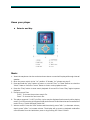
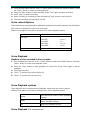
1. From the Main Menu use the “Prev” or “Next” Button to select the “Record” feature. Press
the “menu” button to enter Voice Record mode.
2. Press the “Play” button to start recording. Press “Play” again to pause recording.
3. Press “play” to restart recording.
4. When recording is completed, Press and hold the “Play” button to save the file.
5. The next recording will saved as a new file.
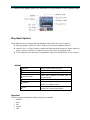
Voice record Options
These features can be accessed during Playback mode while the track is paused. Use this feature
with caution as deleted files cannot be recovered.
Please use navigation instructions as described in music playback options.
Local folder
Choose the folder to save recording.
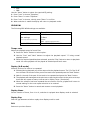
REC Type
Select recording setting to best suite your needs
Fine REC
Long REC
Fine VOR
Long VOR
Exit
(32K WAV)
(ACT)
(32K VOR)
(8k VOR)
Returns to Record screen
Voice Playback
Playback of files recorded in Record mode.
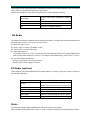
1. Form the Main Menu use the “Prev” or “Next” Button to select the “VOICE” feature. Press the
“Menu” button to enter Voice playback mode.
2. Press the “Play” button to start playback of current file. Press “Play” again to pause
playback.
3. Choosing voice files:
4. “Prev”: To choose the previous Voice file.
5. “Next”: To choose the next Voice file.
Voice Playback options
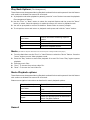
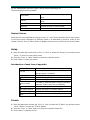
These features can be accessed during Playback mode while the track is playing.
Please use navigation instructions as described in music playback options.
Repeat
See options as listed in Music playback
options.
Replay
Please see replay options as described in
Music Play Back features
Exit
Returns to Playback screen
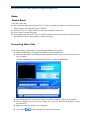
Voice Playback (file management)