1
Turning Power ON
••Turning Power ON
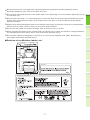
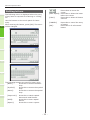
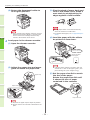
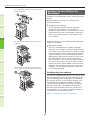
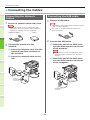
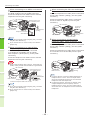
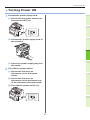
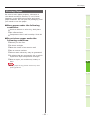
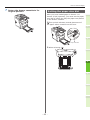
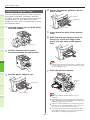
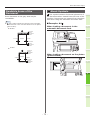
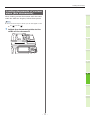
1 Connect the power supply cord.
(1) Check that the power switch has
been turned OFF (O).
1
(2) Connect the power supply cord to
2
the machine.
3
(3) Insert the power supply plug into
4
the outlet.
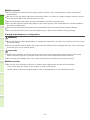
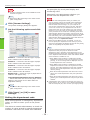
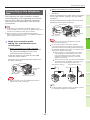
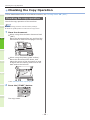
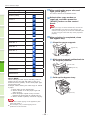
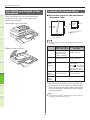
2 Turn ON the power switch.
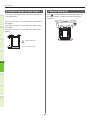
(1) Check that there are no
documents in the document
holder.
5
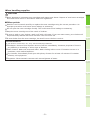
(2) Check that there are no
documents in the document tray
of the automatic document feed.
6
(3) Turn ON the power switch (I).
- 51 -