1
Setting up an Asset List
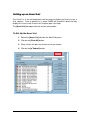
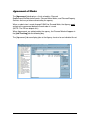
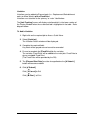
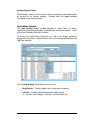
The Asset List in the left-hand pane can be setup to display only those assets a
User requires. Once a specific list is setup, FAMIS will record this detail and only
display this list of assets in the Asset List pane upon User login.
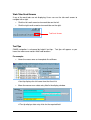
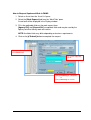
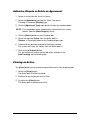
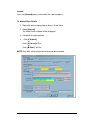
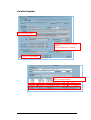
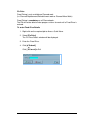
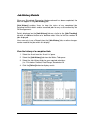
The [Asset List] tab opens with the current active profile.
To Set-Up the Asset List
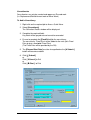
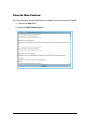
1. Select the [Asset List] tab from the Work Tabs pane.
2. Click on the [Clear All] button.
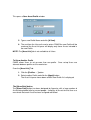
3. Place a tick in the box next to each asset you require.
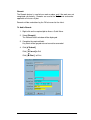
4. Click on the [
Submit] button.
17