1
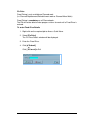
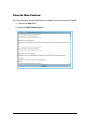
Clear Disputes on claims for payment
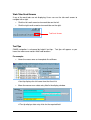
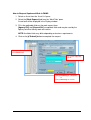
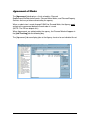
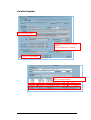
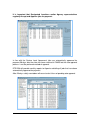
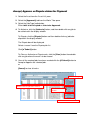
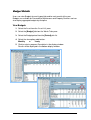
1. Select the Asset from the ‘Asset List’ pane.
2. Select the [Approvals] tab from the Works Tabs pane.
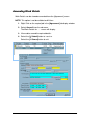
3. Select the [Job Type] radio button.
Either Jobs to be Accepted or Jobs to be Approved.
4. Select the [Authorise] button.
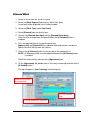
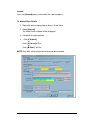
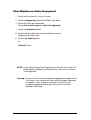
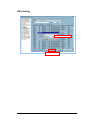
5. Double-click any jobs that are to have Disputes cleared.
Displayed with a red X icon.
6. Click the [
Submit] button.
or
[Cancel] to clear.
NOTE: It is possible to Accept and Dispute claims within the list of claims To
Be Accepted, or Approve and Dispute claims within the list of claims
To Be Approved.
Warning: An error or failure may occur during the updating of multiple claims.
If this occurs, only some of the claims will be Accepted, Approved
or Disputed. Users should re-select the list of claims to be
accepted or approved to determine what claims have been
updated and/or failed.
47