1
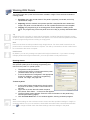
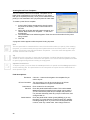
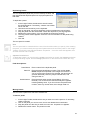
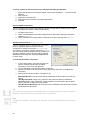
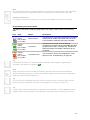
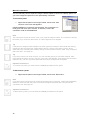
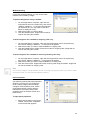
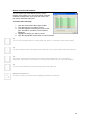
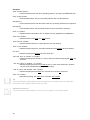
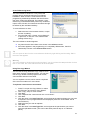
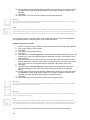
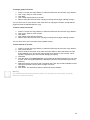
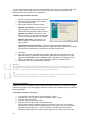
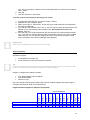
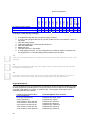
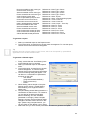
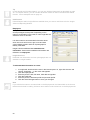
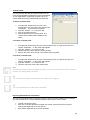
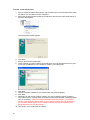
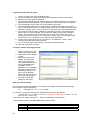
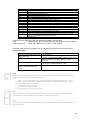
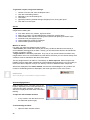
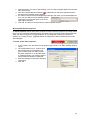
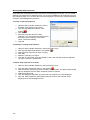
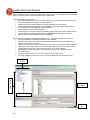
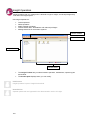
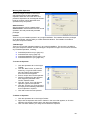
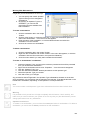
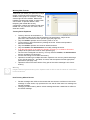
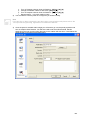
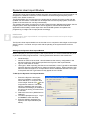
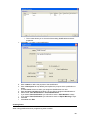
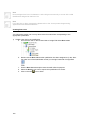
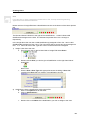
10. Choose which record(s) will be replaced. Hold down the CTRL key to select more than one destination record. Hold down the SHIFT key to select a range of records to be replaced. 11. Click Next. 12. Click Finish. The source record is written over the target record(s). Warning The contents of the target records are permanently replaced. This operation can’t be undone, except by restoring to a previous backup. Note If you copy a record into a different panel, Insight leaves any programming references intact. For example, copying a user type that points to “door list 15” into another panel will result in the user type still using door list 15 in the new panel, even if it isn’t programmed or doesn’t exist. You can block copy one or more records, which means a group of records are copied (either into a different location in the same panel, or into a different panel). To block copy select records: 1. 2. 3. 4. 5. 6. 7. 8. 9. 10. 11. 12. Press F7 to open the Copy Wizard, or select the Edit menu and choose “Copy Wizard”. Click “Copy, swap or move records”. Click Next. Click “Block copy selected records”. Click Next. Click the arrow in the Item Type field, and navigate to the panel and item type you want to block copy. A list of programmed items is displayed. (Click the “show blanks” box to show all items.) Select the item(s) you wish to block copy. Hold down the CTRL key to select multiple records. Hold down the SHIFT key to select a range of records. You must make a note of how many records are selected, which is displayed in the bottom right corner. Click Next. Click the arrow in the Item Type field, and navigate to the panel where you want to save the replicated records. (This can be the same panel as step 6, or a different panel.) Choose which record(s) will be replaced. Hold down the CTRL key to select more than one destination record. Hold down the SHIFT key to select a range of records to be replaced. You must select the same number of records as step 7. Click Next. Click Finish. The source records are copied over the target records. Warning The contents of the target records are permanently replaced. This operation can’t be undone, except by restoring to a previous backup. Warning You shouldn’t specify source and target ranges that overlap. Doing so could result in records being overwritten incorrectly. Note If you copy a record into a different panel, Insight leaves any programming references intact. For example, copying a user type that points to “door list 15” into another panel will result in the user type still using door list 15 in the new panel, even if it isn’t programmed or doesn’t exist. You can swap one or more records, which means the selected records are exchanged. 48