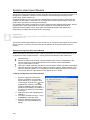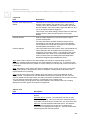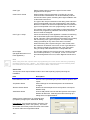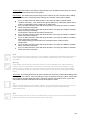
1
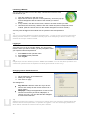
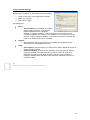
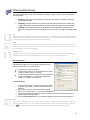
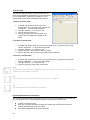
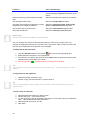
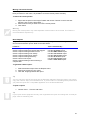
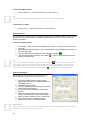
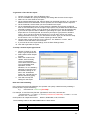
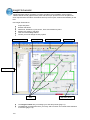
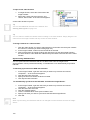
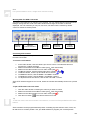
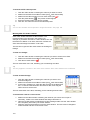
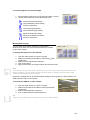
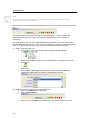
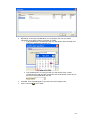
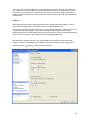
Sending Commands To A DVR Or Camera You can send a model-specific command to a DVR or camera. Right-click the DVR or camera, and choose “Commands” in the menu that appears. Note The commands available will be specific to the make and model of your DVR and/or camera. Consult the documentation that came with your equipment for more information. Integration With Review You can set the time code of a video window to the time and date of a review event. In other words, if a particular review entry occurs on February 28 at 3pm, you can quickly see camera footage from this date and time. See page 144. You can associate cameras with areas. Right-clicking on a review event that contains the area enables you to see live video from the associated camera. Integration With Schematic You can place cameras and camera presets directly onto your floor plans in Insight Schematic. See page 122. 146