1
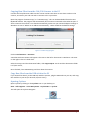
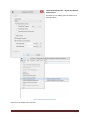
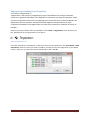
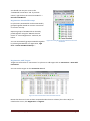
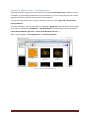
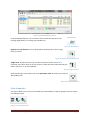
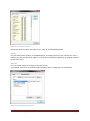
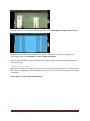
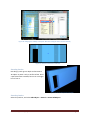
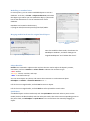
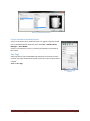
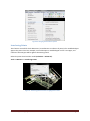
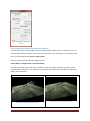
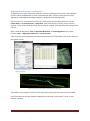
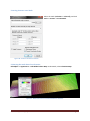
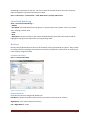
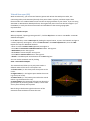
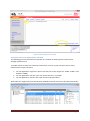
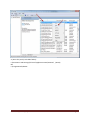
Figure 30. Naming/renaming a target.
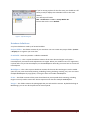
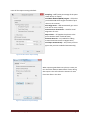
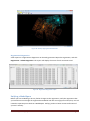
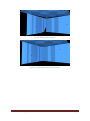
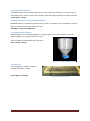
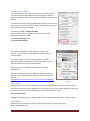
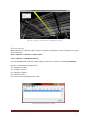
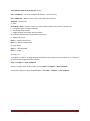
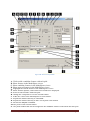
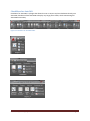
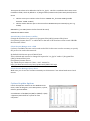
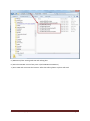
Figure 31. Changing a targets value (name).
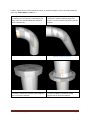
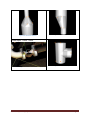
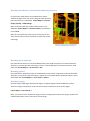
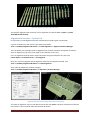
Using modelled objects as targets
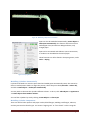
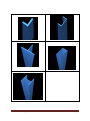
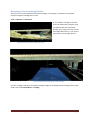
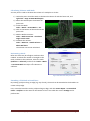
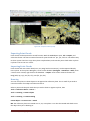
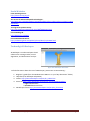
Cyclone can use modelled objects as targets. For example, you can use a modelled pipe as object.
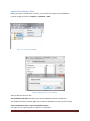
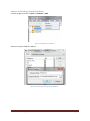
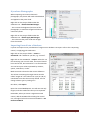
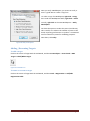
Select the pipe, and click Tools -> Registration -> Add/Edit registration label
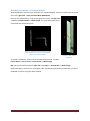
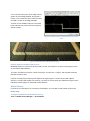
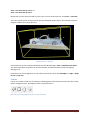
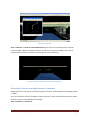
A 3 plane corner (i.e. in a room where the ceiling and two walls intersect), can be very accurately
defined by Cyclone and can be used as a target. Create Object -> Fit Fenced -> Corner (vertex added
automatically). Click on the vertex, then Tools -> Registration -> Add/Edit registration label.
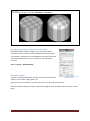
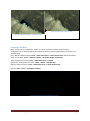
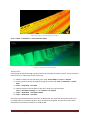
ScanWorld Explorer
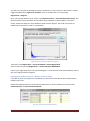
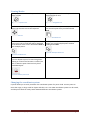
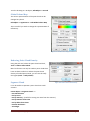
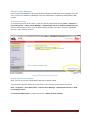
The ScanWorld Explorer is a useful tool to turn on/off point clouds in a registration. You cannot do
this once you have unified the cloud.
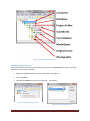
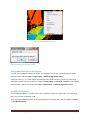
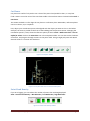
To access the ScanWorld Explorer open the ModelSpace of a registration, and click Tools -> Scanner
-> ScanWorld Explorer.
C.R.Kennedy & Company
Page 21