1
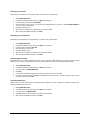
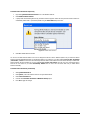
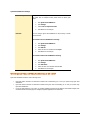
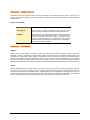
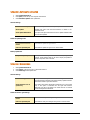
To enable and configure HTTP proxy settings
1.
2.
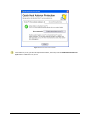
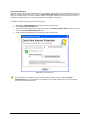
On the Internet Settings, select Enable proxy settings.
Choose HTTP Proxy, Socks V 4 or SOCKS V 5 as per your settings and then do the following:
•
•
•
3.
In Server, type IP address of the proxy server or domain name (For example: proxy.yourcompany.com).
In Port, type the port number of the proxy server (For example: 80).
In User name and Password, type your server logon credentials, when required.
Click OK to save the settings.
Miscellaneous - Exclusions
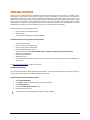
You can configure Quick Heal AntiVirus to skip scanning of certain files or folders. Scanning can be excluded in both cases, of
known virus detection as well as DNAScan.
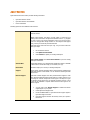
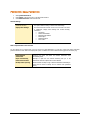
Following scanning modules can be excluded
•
•
•
•
Scanner
Online Protection
Memory Scanner
DNAScan
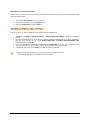
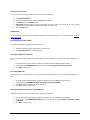
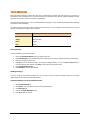
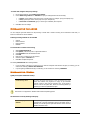
To exclude Files or Folders from scanning
1.
2.
3.
4.
5.
6.
7.
Start Quick Heal AntiVirus.
Click Options, under the top menu of Quick Heal AntiVirus.
Select Exclusion under the Miscellaneous tab.
Click New.
Click File Icon or Folder icon for the exclusion.
Select the options of Exclude from.
Click OK to complete the process.
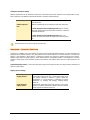
For selecting Exclude from follow these guidelines:
•
•
If you are getting a warning for a known virus in a clean file and Quick Heal AntiVirus still gives you warning, you can
exclude it for scanning of Known Virus Detection.
If you are getting a DNAScan warning in a clean file, you can exclude it for scanning of DNAScan.
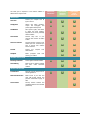
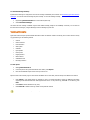
Miscellaneous - General
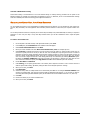
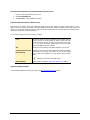
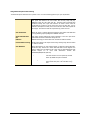
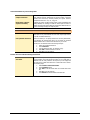
Quickly scan system at Windows startup
Enable Startup Scan
This option lets Quick Heal AntiVirus to scan the starting area of the
system from wherein the programs are trying to get automatic
execution control to trap new and unknown virus. It also keeps a
watch on some of the system files, which are commonly patched (or
replaced) by certain worms/backdoors/trojans.
This feature is not supported on Windows Vista and above Operating system.
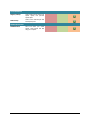
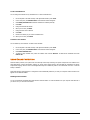
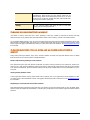
Get the status of a file by checking its Property
Enable Property Sheet
Scanner
This option registers Quick Heal AntiVirus Scan tab in every file’s
properties tab. It provides information about the file status (Clean or
Infected). You will also get the Quick Heal AntiVirus version and virus
database information here.
68