1
EchoLife HG8010/HG8110/HG8240/HG8245/HG8247/
HG8447 GPON Terminal
Service Manual
3 Configuration
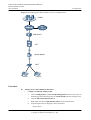
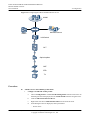
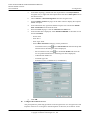
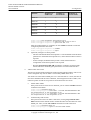
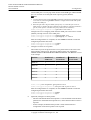
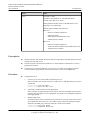
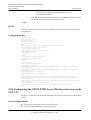
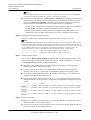
Set the service port indexes to 3 and 4, SVLAN ID to 200, GEM port ID to 2, and
CVLAN ID to 20. Use traffic profile 9.
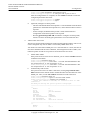
huawei(config-if-gpon-0/1)#quit
huawei(config)#service-port 3 vlan 200
service user-vlan 20 rx-cttr 9 tx-cttr
huawei(config)#service-port 4 vlan 200
service user-vlan 20 rx-cttr 9 tx-cttr
9.
gpon 0/1/1 ont 1 gemport 2 multi9
gpon 0/1/1 ont 2 gemport 2 multi9
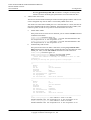
Configure the queue scheduling mode.
Use the 3PQ+5WRR queue scheduling. Queues 0-4 adopt the WRR mode, with the
weights of 10, 10, 20, 20, and 40 respectively; queues 5-7 adopt the PQ mode.
NOTE
Queue scheduling is a global configuration. You need to configure queue scheduling only once on
the OLT, and then the configuration takes effect globally. In the subsequent phases, you do not need
to configure queue scheduling repeatedly when configuring other services.
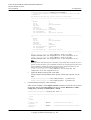
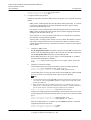
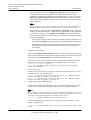
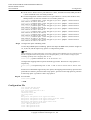
huawei(config)#queue-scheduler wrr 10 10 20 20 40 0 0 0
Configure the mapping between queues and 802.1p priorities. Priorities 0-7 map
queues 0-7 respectively.
huawei(config)#cos-queue-map cos0 0 cos1 1 cos2 2 cos3 3 cos4 4 cos5 5 cos6
6 cos7 7
For the service board that supports only four queues, the mapping between 802.1p
priorities and queue IDs is as follows: priorities 0 and 1 map queue 1; priorities 2 and
3 map queue 2; priorities 4 and 5 map queue 3; priorities 6 and 7 map queue 4.
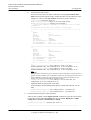
10. Save the data.
huawei(config)#save
l
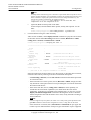
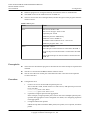
Configure the optical network terminal (ONT) on the Web page.
NOTE
Some voice parameters cannot be configured on the Web page but can be configured by importing an
XML configuration file. For details about how to import an XML configuration file, see 3.6.1 Operation
Guide on the XML Configuration File (on the Web Page).
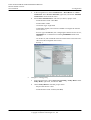
1.
2.
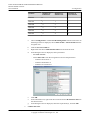
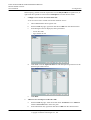
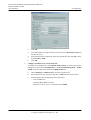
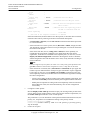
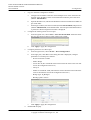
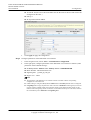
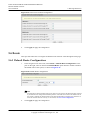
Log in to the Web configuration window.
a.
Configure the IP address of the PC network adapter to be in the same network
segment as the IP address of the local maintenance Ethernet port of the ONT
(default: 192.168.100.1).
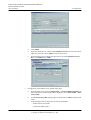
b.
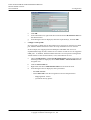
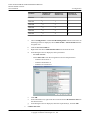
Open the Web browser, and enter the IP address of the local maintenance Ethernet
port of the ONT.
c.
On the login window, enter the user name (default: telecomadmin) and password
(default: admintelecom) of the administrator. After the password authentication
is passed, the Web configuration window is displayed.
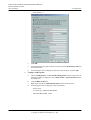
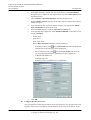
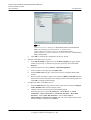
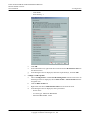
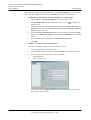
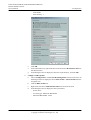
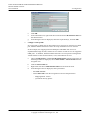
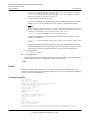
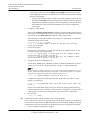
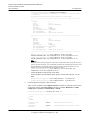
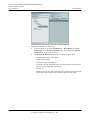
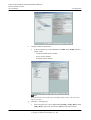
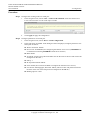
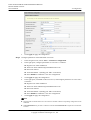
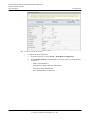
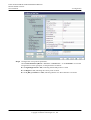
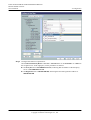
Configure parameters of the voice WAN port.
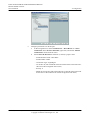
a.
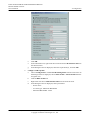
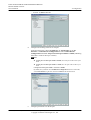
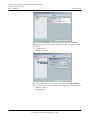
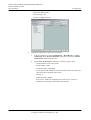
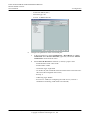
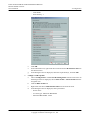
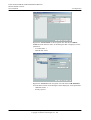
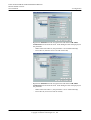
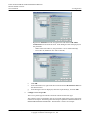
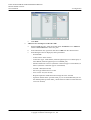
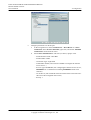
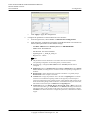
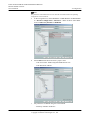
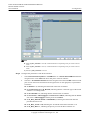
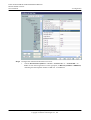
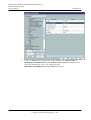
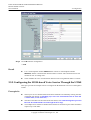
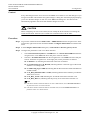
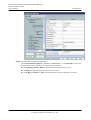
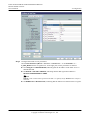
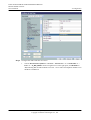
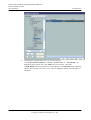
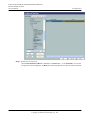
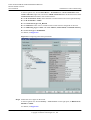
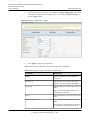
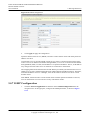
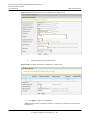
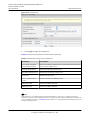
In the navigation tree, choose WAN > WAN Configuration.
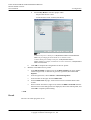
b.
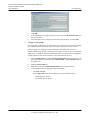
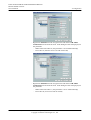
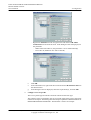
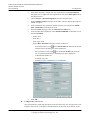
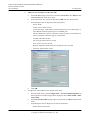
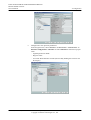
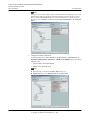
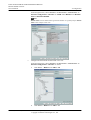
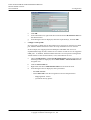
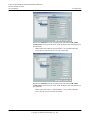
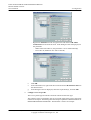
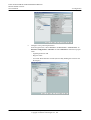
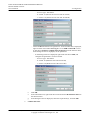
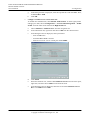
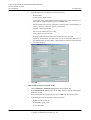
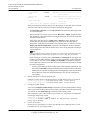
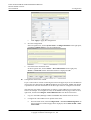
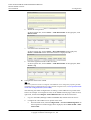
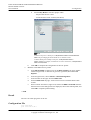
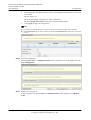
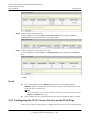
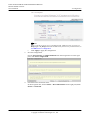
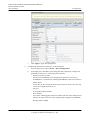
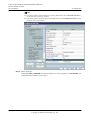
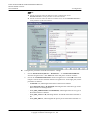
In the right pane, click New. In the dialog box that is displayed, configure
parameters of the WAN port as follows:
– WAN Connection: Enable
– Service List: VoIP (For configuring the VoIP service, VoIP or a combination
containing VoIP needs to be selected.)
– Mode: Route
Issue 02 (2011-12-08)
Huawei Proprietary and Confidential
Copyright © Huawei Technologies Co., Ltd.
173