1
EchoLife HG8010/HG8110/HG8240/HG8245/HG8247/
HG8447 GPON Terminal
Service Manual
5 Web Page Reference
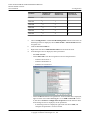
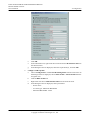
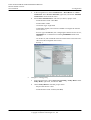
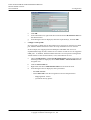
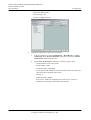
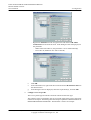
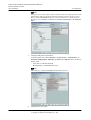
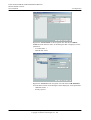
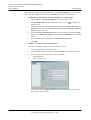
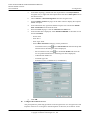
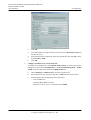
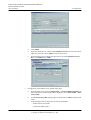
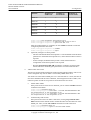
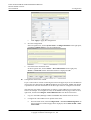
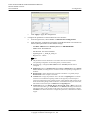
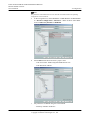
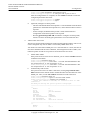
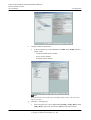
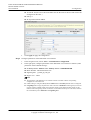
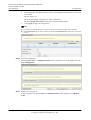
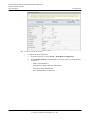
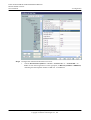
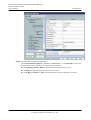
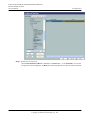
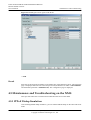
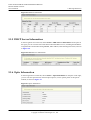
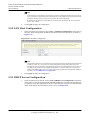
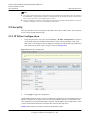
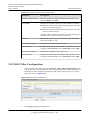
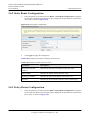
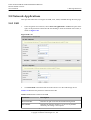
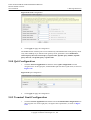
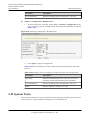
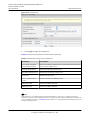
Figure 5-19 URL Filter Configuration
2.
Click Apply to apply the configuration.
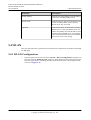
5.5.4 DoS Configuration
1.
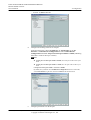
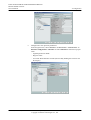
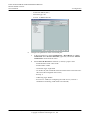
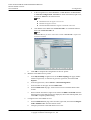
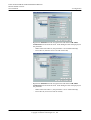
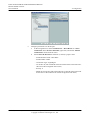
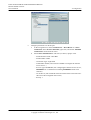
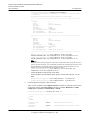
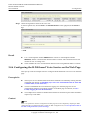
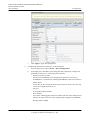
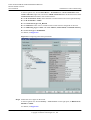
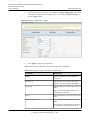
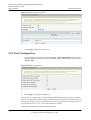
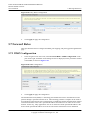
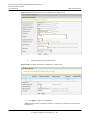
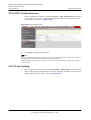
In the navigation tree on the left, choose Security > DoS Configuration. In the pane on
the right, determine whether to enable the DoS attack-preventive configuration, as shown
in Figure 5-20.
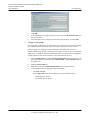
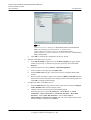
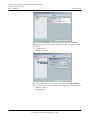
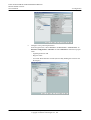
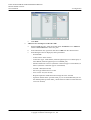
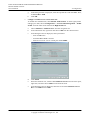
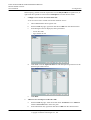
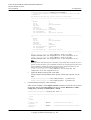
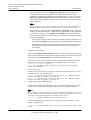
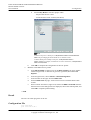
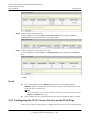
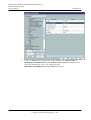
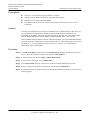
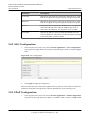
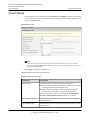
Figure 5-20 DoS Configuration
2.
Click Apply to apply the configuration.
Denial of service (DoS) attack is a network-based attack that denies users from accessing the
Internet. The DoS attack initiates a large number of network connections, making the server or
the program running on the server break down or server resources exhaust or denying users to
access the Internet service. As a result, the network service fails.
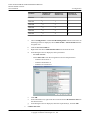
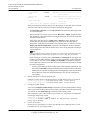
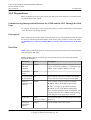
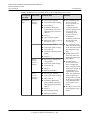
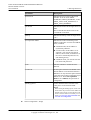
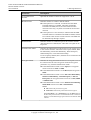
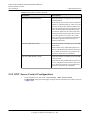
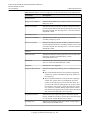
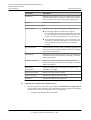
Table 5-7 describes the parameters related to the DoS.
Issue 02 (2011-12-08)
Huawei Proprietary and Confidential
Copyright © Huawei Technologies Co., Ltd.
320