1
EchoLife HG8010/HG8110/HG8240/HG8245/HG8247/
HG8447 GPON Terminal
Service Manual
c.
3.
3 Configuration
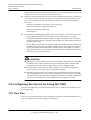
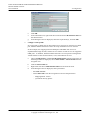
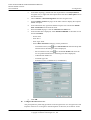
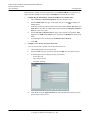
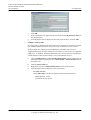
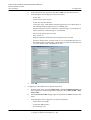
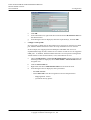
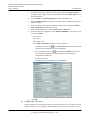
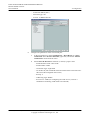
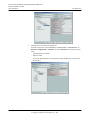
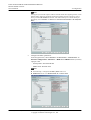
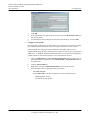
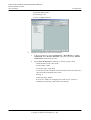
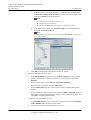
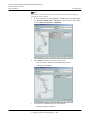
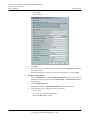
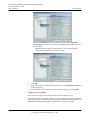
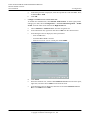
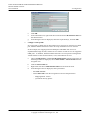
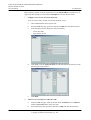
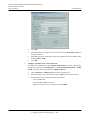
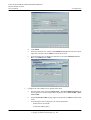
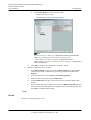
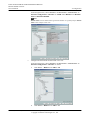
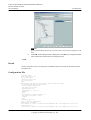
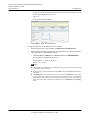
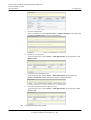
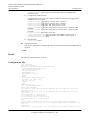
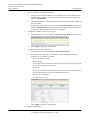
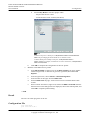
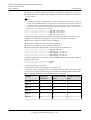
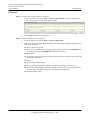
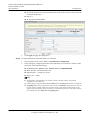
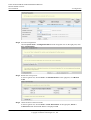
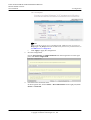
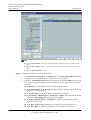
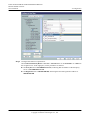
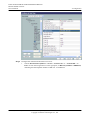
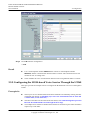
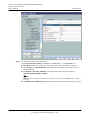
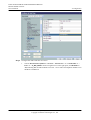
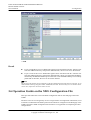
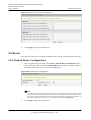
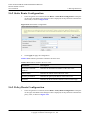
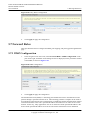
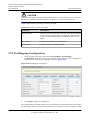
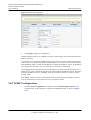
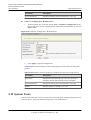
Click Apply to apply the configuration.
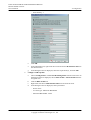
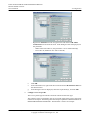
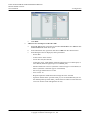
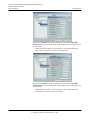
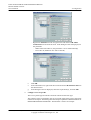
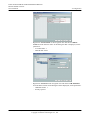
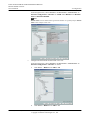
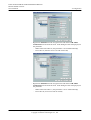
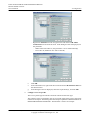
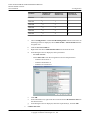
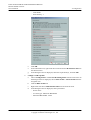
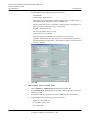
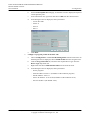
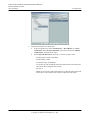
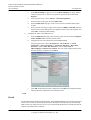
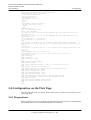
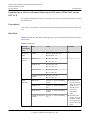
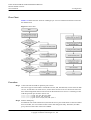
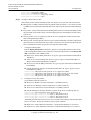
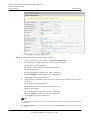
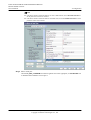
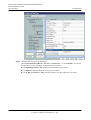
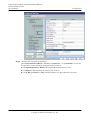
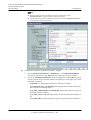
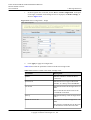
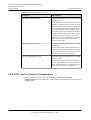
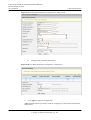
Configure the parameters of the H.248-based voice interface.
a.
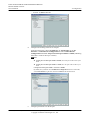
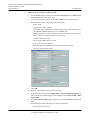
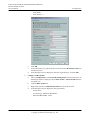
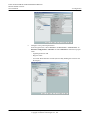
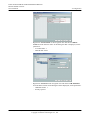
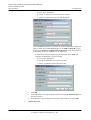
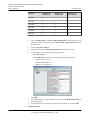
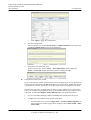
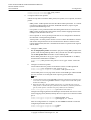
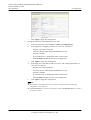
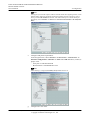
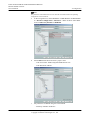
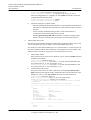
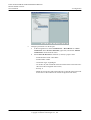
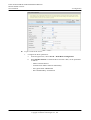
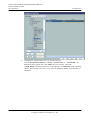
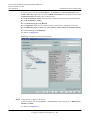
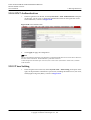
In the navigation tree, choose Voice > VoIP Interface Configuration.
b.
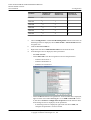
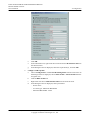
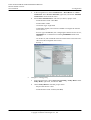
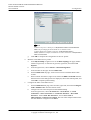
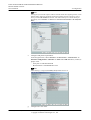
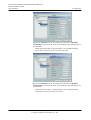
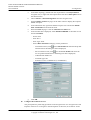
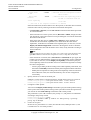
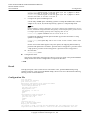
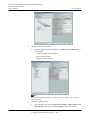
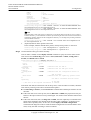
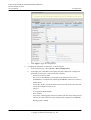
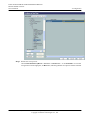
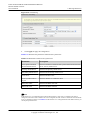
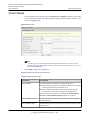
In the right pane, configure the parameters of the H.248-based voice interface as
follows (other parameters use the default settings):
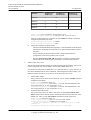
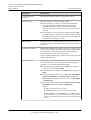
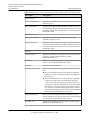
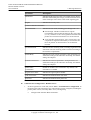
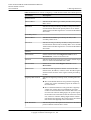
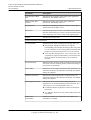
– Set MGC Address below Primary Server to 200.200.200.200.
– MID Format: DomainName
– MG Domain: 6877687714852901
– Signaling Port: 1_VOIP_R_VID_20
– Region: CN – China
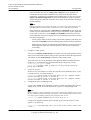
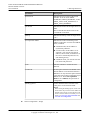
NOTE
l The parameters of the H.248-based voice interface must be consistent with the
corresponding configuration on the media gateway controller (MGC).
l If dual-homing is configured, MGC Address below Secondary Server must be
configured.
l MID Format can be set to Domain Name, IP, or Device. If MID Format is set to Domain
Name or Device, the setting must be consistent with the corresponding configuration on
the MGC.
l Domain Name is ONT's domain name registered on the MGC. It is globally unique.
Domain Name in this example is ONT's SN.
l If Media Port is empty, the parameter value is the same as Signaling Port. The media
streams are not isolated from signaling streams. If the upper-layer network requires
isolation of media streams from signaling streams, create different traffic streams for the
media streams and signaling streams on the OLT, create different WAN ports on the ONT,
and bind the created WAN ports to Media Port and Signaling Port.
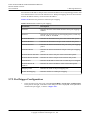
l Profile Index can be set to Default, BT, FT, KPN, PCCW, ZTE, or BELL. Choose the
value based on the MGC type. Profile Index is set to Default (indicating interconnection
with Huawei MGC) in this example. If the settings do not meet requirements, configure
UserDefine. For details about how to configure this parameter, contact Huawei technical
support.
Issue 02 (2011-12-08)
Huawei Proprietary and Confidential
Copyright © Huawei Technologies Co., Ltd.
158