1
4.4 DOWNLOADING AND MANAGING FILTER SETS
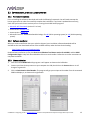
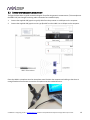
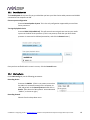
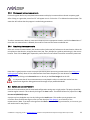
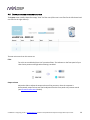
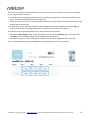
The Export screen initially shows four empty “slots” for filter sets (a filter set is one filter for the left channel and
one filter for the right channel):
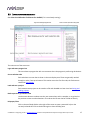
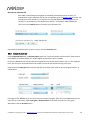
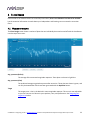
The two main controls on this screen are:
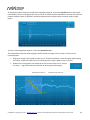
Filter
Turn this on to enable the Dirac Live® correction filters. The indicator on the front panel of your
Dirac Series processor will light when filtering is enabled.
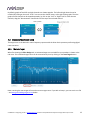
Output volume
Adjust the slider to adjust the output volume of the processor. Once the computer is
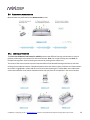
disconnected, output volume can also be adjusted from the front panel or by remote control
(see Infrared remote control below).
miniDSP Ltd – Hong Kong / Email : [email protected] / Features and specifications subject to change without prior notice
29