1
7-
WorldCard
Batch Capture
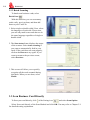
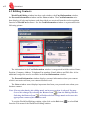
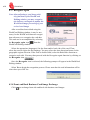
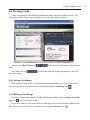
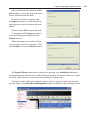
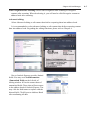
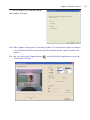
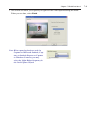
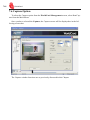
To batch capture business cards, select Batch Capture. With this function, you can capture many cards easily, preview them, and then add them to your Card File.
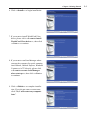
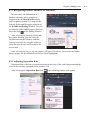
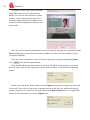
1. Select single or double-sided. Next, select the languages of each side. Please note, you
can only multi-capture cards that are in the same language regardless of single or double
sided.
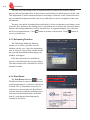
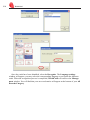
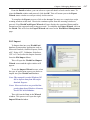
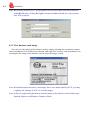
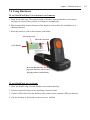
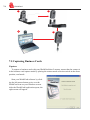
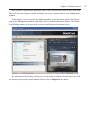
2. The Capture status frame displays the status of the duet 2. Please put the card on the card
holder as the Tip told you. Then click on the Capture. If the card does not capture properly, click on the Recapture to try again. If you want to return to the previous screen, select
Previous.
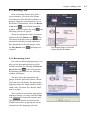
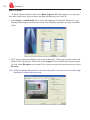
Note: If it has nothing information on the back side of the card, you can click on the Skip
back side to capture the next card.