1
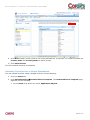
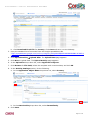
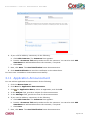
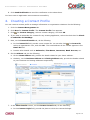
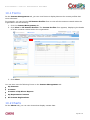
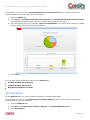
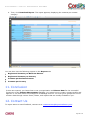
USER MANUAL: CONTACT MANAGEMENT MASHAPP 1. Click the Modify Application tab and click Build Web Services Register an External Service. 2. Select the Display Web services from a URL option. 3. In the Service Provider URL field, provide a service provider URL for retrieving the countries. For example, “http://ws.srlink.com/GeoServices/CountryInfoService.asmx?WSDL”. Note: The availability of the Web Service depends on the third party Web service provider. If you encounter any issues with the sample URL, try after sometime. 4. Provide a Service Provider Name, if required. This is optional. 5. Leave User Authentication blank as it is not required for this Web service. 6. Then, click Display Services. The Web services are displayed. 7. Select the check box for the GetCountryList Web service and click Register Services. You have registered the GetCountryList external Web service successfully. Now, do the following to load the countries in the Countries form. 1. Click the Master Data tab. 2. Click View for Countries. The Countries form appears. 3. Click Load Countries to load all the standard countries from the displayed URL. The countries are listed in the Countries grid. Page 9 of 32