1
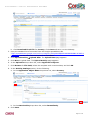
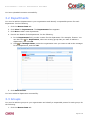
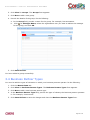
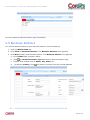
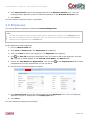
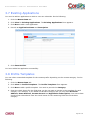
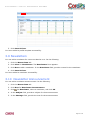
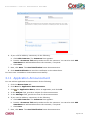
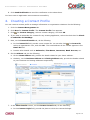
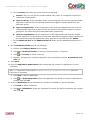
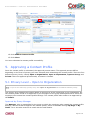
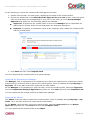
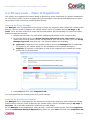
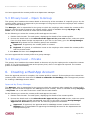
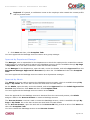
USER MANUAL: CONTACT MANAGEMENT MASHAPP 12. Click Submit Contact Profile. 13. Click Close. You have submitted a contact profile successfully. 5. Approving a Contact Profile Once the contact profile is submitted, the approval process starts. The approval process differs depending on the level of privacy you have selected while submitting the contact profile. There are four different privacy levels, namely Open to Organization, Open to Department, Open to Group, and Private. Once the approval process ends, a contact is created. 5.1 Privacy Level – Open to Organization Note: If you do not select any privacy level, then Open to Organization is the default selected privacy level. This privacy level enables the contact details to be seen by all the employees in the organization. So, the contact profile needs to be approved by the managers of the group and department to which the employee who created the contact profile belongs. The contact profile also needs to be approved by the Admin. Approval by Group Manager The Manager, who is responsible for the group to which the employee who created the contact profile belongs, receives a task to approve the contact profile, which is available through My Page My Tasks. He or she also receives an email with the task details. Page 21 of 32