1
User Manual
Device Manager in Unite Connectivity Manager
TD 92855EN
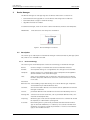
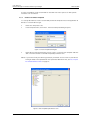
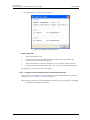
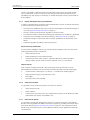
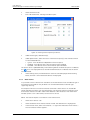
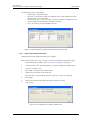
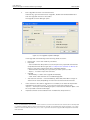
The following columns are displayed:
•
•
•
•
Device type – the device model.
Revision – the revision number of the definition file. Used to determine which
definition file is the most recent.
Parameter version – shows the version of the parameters in the definition file.
Used to determine compatibility with device software.
File – the name of the imported definition file.
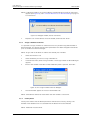
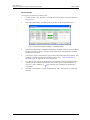
Figure 29.
Figure 29. File management window, Parameter definition files tab.
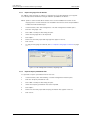
1.8.4
Import new Software for Devices
Updated software files are distributed by your supplier.
NOTE: Software files (.bin, .img, .mot, etc.) are mainly included in package files (.pkg)
distributed by your supplier, see 1.8.2 Import a Package File on page 31.
1
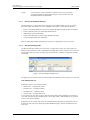
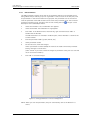
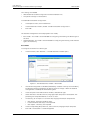
In the File menu, click “File management”. The File management window opens.
2
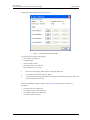
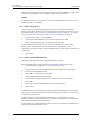
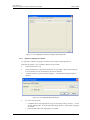
Click the “Software” tab.
3
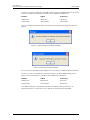
Click “Add”. The Import files window opens.
4
Select the software files to be imported.
Only files with a corresponding extension are shown, such as .bin and .pkg.
5
Click “Open”.
6
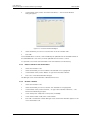
Check that the newly imported software files appear in the list.
7
Click “Close”.
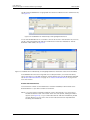
Figure 30.
Figure 30. File management window, Software tab.
27 June 2011 / Ver. B
32