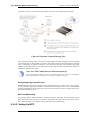
1
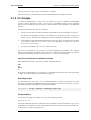
2.1.4. The CLI
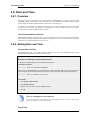
Chapter 2. Management and Maintenance
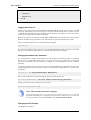
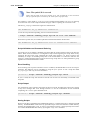
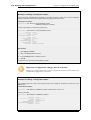
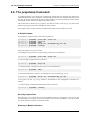
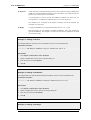
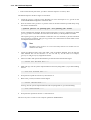
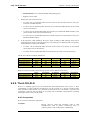
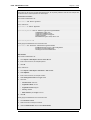
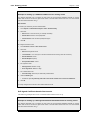
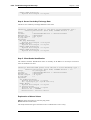
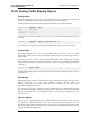
gw-world:/>
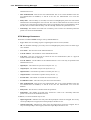
where Device is the model number of the NetDefend Firewall. This can be customized, for example,
to my-prompt:/>, by using the CLI command:
gw-world:/> set device name="my-prompt"
The CLI Reference Guide uses the command prompt gw-world:/> throughout.
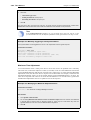
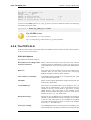
Tip: The CLI prompt is the WebUI device name
When the command line prompt is changed to a new string value, this string also
appears as the new device name in the top level node of the WebUI tree-view.
Activating and Committing Changes
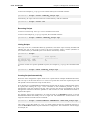
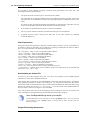
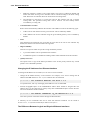
If any changes are made to the current configuration through the CLI, those changes will not be
uploaded to NetDefendOS until the command:
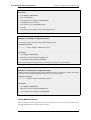
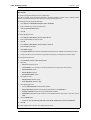
gw-world:/> activate
is issued. Immediately following the activate command, the command:
gw-world:/> commit
should be issued to make those changes permanent.
If a commit command is not issued within a default time period of 30 seconds then the changes are
automatically undone and the old configuration restored.
A possible side effect of committing changes though the CLI is that any Web Interface browser
session that is logged in at the time of the commit will require that the user logs in again. This is
because the Web Interface view of the configuration may no longer be valid.
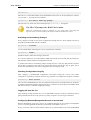
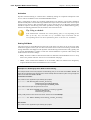
Checking Configuration Integrity
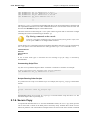
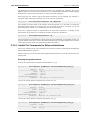
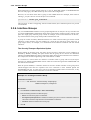
After changing a NetDefendOS configuration and before issuing the activate and commit
commands, it is possible to explicitly check for any problems in a configuration using the command:
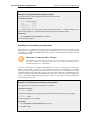
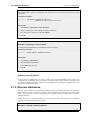
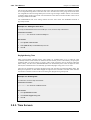
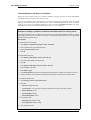
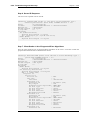
gw-world:/> show -errors
This will cause NetDefendOS to scan the configuration about to be activated and list any problems.
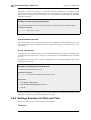
A possible problem that might be found in this way is a reference to an IP object in the address book
that does not exist in a restored configuration backup.
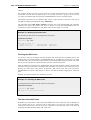
Logging off from the CLI
After finishing working with the CLI, it is recommended to logout in order to avoid letting anyone
getting unauthorized access to the system. Log off by using the exit or the logout command.
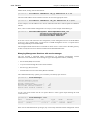
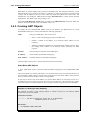
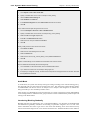
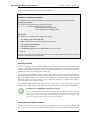
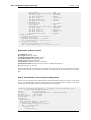
Configuring Remote Management Access on an Interface
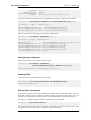
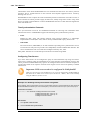
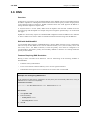
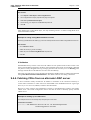
Remote management access may need to be configured through the CLI. Suppose management
access is to be through Ethernet interface if2 which has an IP address 10.8.1.34.
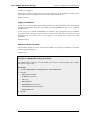
Firstly, we set the values for the IP address objects for if2 which already exist in the NetDefendOS
41