1
6.2.9. The H.323 ALG
Chapter 6. Security Mechanisms
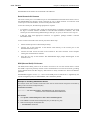
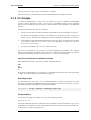
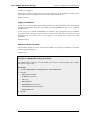
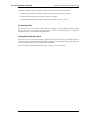
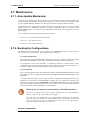
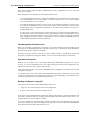
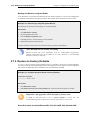
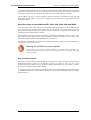
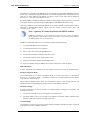
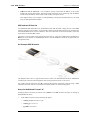
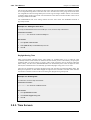
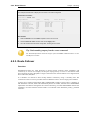
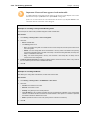
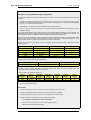
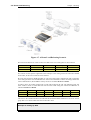
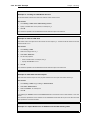
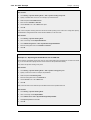
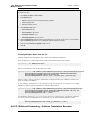
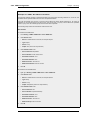
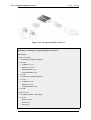
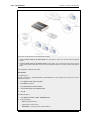
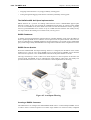
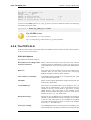
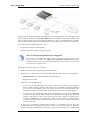
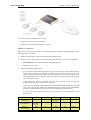
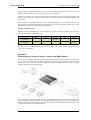
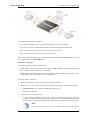
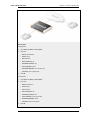
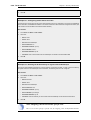
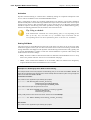
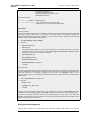
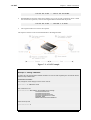
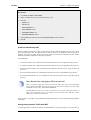
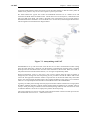
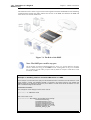
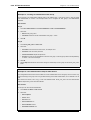
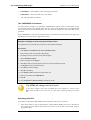
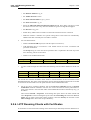
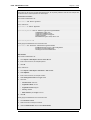
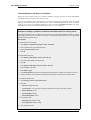
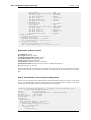
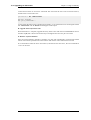
The head office has placed a H.323 Gatekeeper in the DMZ of the corporate NetDefend Firewall. This firewall
should be configured as follows:
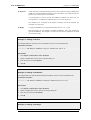
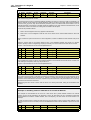
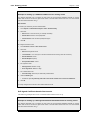
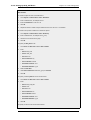
Web Interface
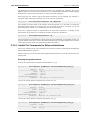
1.
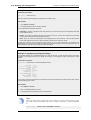
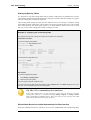
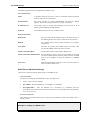
Go to Rules > IP Rules > Add > IPRule
2.
Now enter:
•
Name: LanToGK
•
Action: Allow
•
Service: H323-Gatekeeper
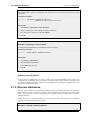
•
Source Interface: lan
•
Destination Interface: dmz
•
Source Network: lannet
•
Destination Network: ip-gatekeeper
•
Comment: Allow H.323 entities on lannet to connect to the Gatekeeper
3.
Click OK
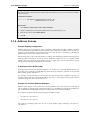
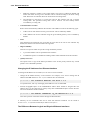
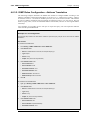
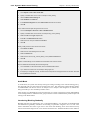
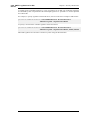
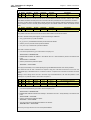
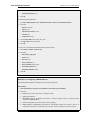
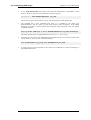
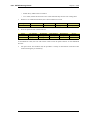
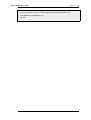
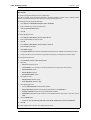
1.
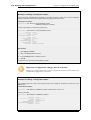
Go to Rules > IP Rules > Add > IPRule
2.
Now enter:
•
Name: LanToGK
•
Action: Allow
•
Service: H323-Gatekeeper
291