1
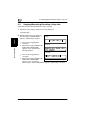
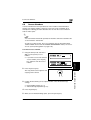
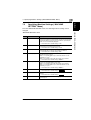
5.7 Specifying a Zoom Setting
5
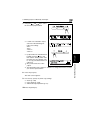
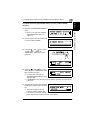
To make copies using a specific zoom setting
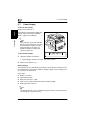
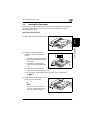
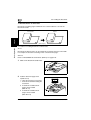
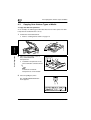
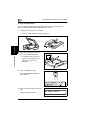
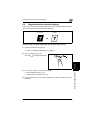
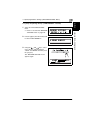
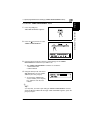
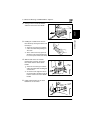
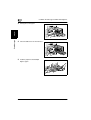
1 Load the document to be copied.
❍
Refer to “Loading the Document” on page 3-9.
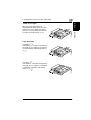
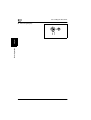
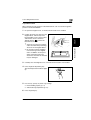
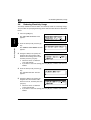
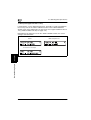
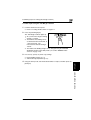
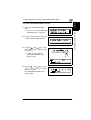
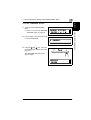
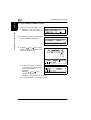
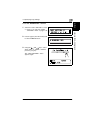
2 Press the [Zoom] key, and then use
the
and
keys to specify the
desired zoom ratio.
❍
The zoom ratio is set in 0.01
increments.
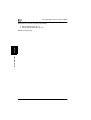
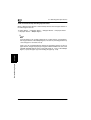
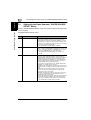
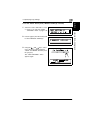
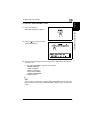
3 If necessary, specify any other copy
settings.
❍
❍
Paper (p. 5-22)
Copy density (p. 5-36)
Advanced Copy Operations
(p. 6-1)
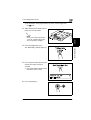
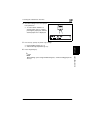
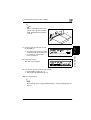
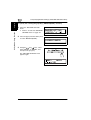
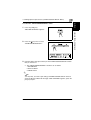
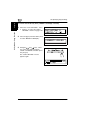
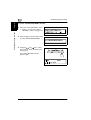
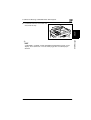
4 Using the 10-Key Pad, enter the desired number of copies, and then press the
Before Making Copies
[Start] key.
Chapter 5
❍
Di1611/Di2011
5-33