1
Chapter 7
7
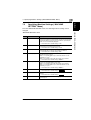
7.3 Setting Up the Paper Sources (“PAPER SOURCE SETUP” Menu)
To specify the automatic paper size detection units (“INCH/METRIC”
function)
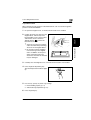
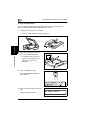
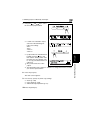
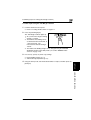
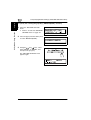
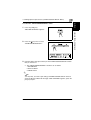
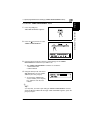
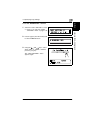
1 Select the “PAPER SOURCE SETUP”
Utility Mode – Copy Functions
menu.
❍
Refer to “To select the “PAPER
SOURCE SETUP” menu” on
page 7-17.
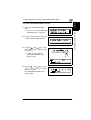
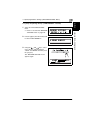
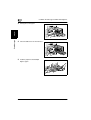
2 Press the [1] key from the 10-Key Pad
to select “INCH/METRIC”.
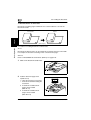
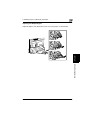
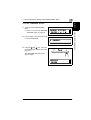
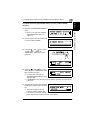
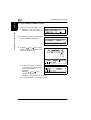
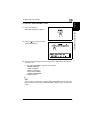
3 Using the
and
keys, select a
paper tray, and then press the [Yes]
key.
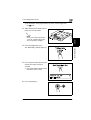
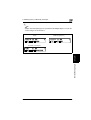
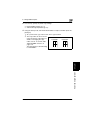
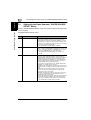
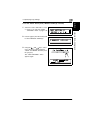
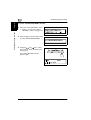
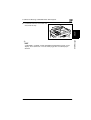
4 Using the
and
keys, select
either “METRIC” or “INCH”, and then
press the [Yes] key.
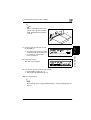
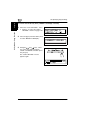
The “PAPER SOURCE SETUP”
menu appears again.
7-18
Di1611/Di2011