1
5.1.6 Modify active setup properties
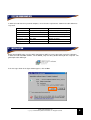
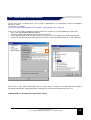
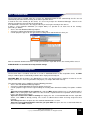
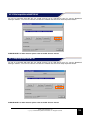
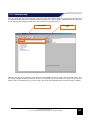
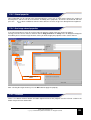
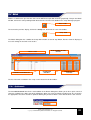
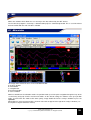
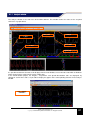
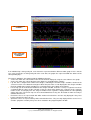
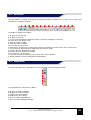
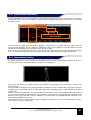
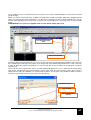
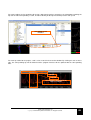
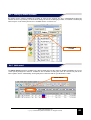
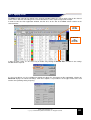
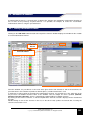
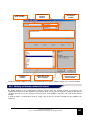
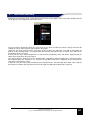
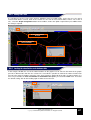
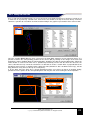
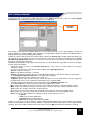
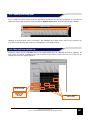
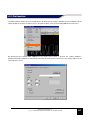
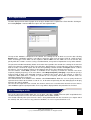
Some information on the vehicle and pilot can be associated to each setup. To modify this information, click on a
setup, so that the screen for changing the properties is loaded on the right side of the dialog box.
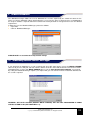
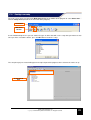
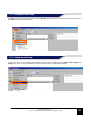
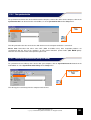
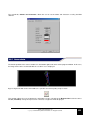
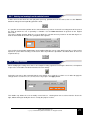
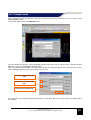
To change the type of vehicle, click on the corresponding item, and then click on the button
to display a list of
vehicles available. Select the vehicle to use.
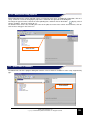
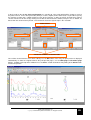
To edit other items on the list, including the name of the pilot, the name of the vehicle and comments, click on
each of these and type in the text to use.
VEHICLE TYPE
5.2 Operations on channels
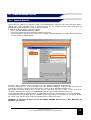
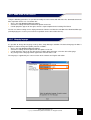
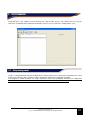
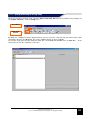
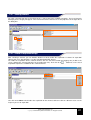
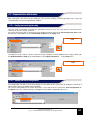
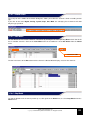
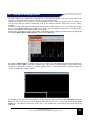
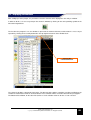
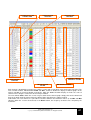
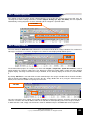
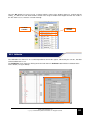
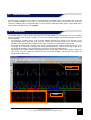
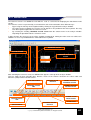
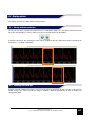
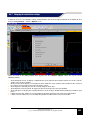
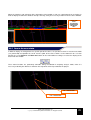
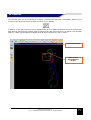
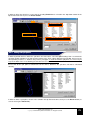
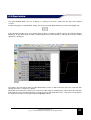
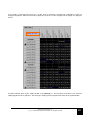
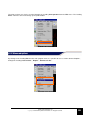
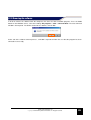
The bottom left side of the program dialog box contains a list of channels available in active setup, organized by
type.
CHANNES AVAILABLE IN
ACTIVE SETUP
GATE user manual rev. 03
Copyright ©2008 GET by Athena Evolution srl. All rights reserved
26