1
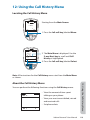
Call istor
Call o
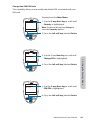
Call eters
elec
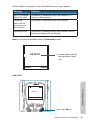
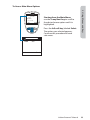
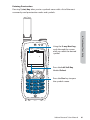
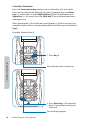
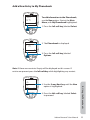
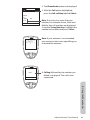
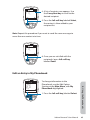
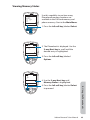
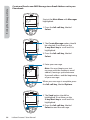
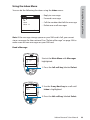
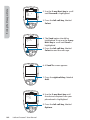
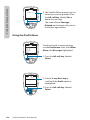
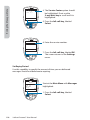
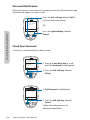
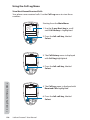
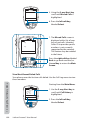
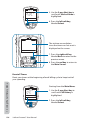
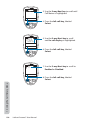
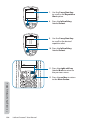
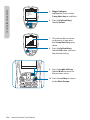
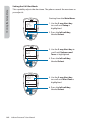
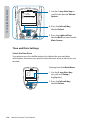
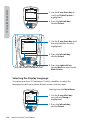
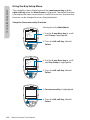
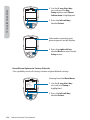
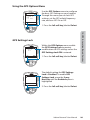
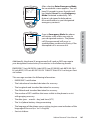
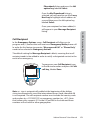
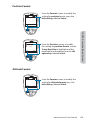
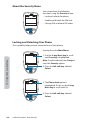
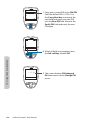
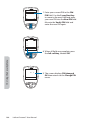
3. Use the 2-way Navi-key to scroll until
Call Meters is highlighted.
Back
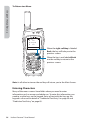
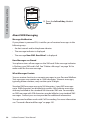
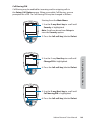
4. Press the left soft key, labeled
Select.
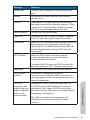
all e e
a call me
o al call me
e e call me e
e me call me
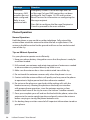
call
la
u
le me
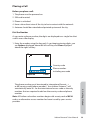
elec
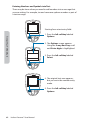
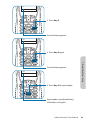
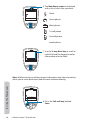
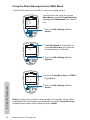
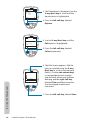
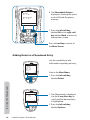
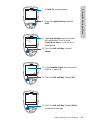
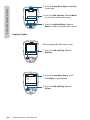
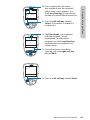
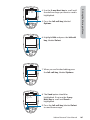
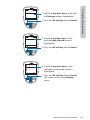
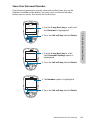
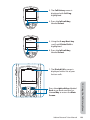
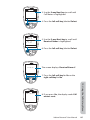
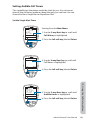
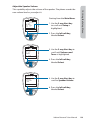
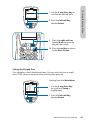
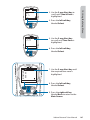
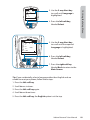
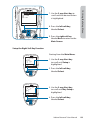
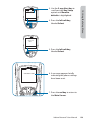
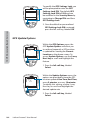
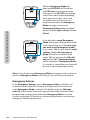
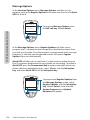
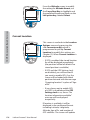
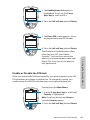
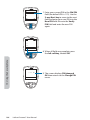
5. Use the 2-way Navi-key to scroll
until In-call displ ay is highlighted.
Back
6. Press the left soft key, labeled
Select.
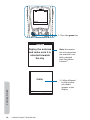
all me
a le
a le
elec
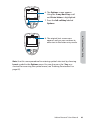
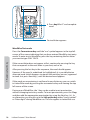
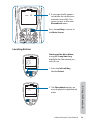
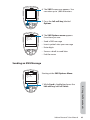
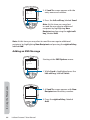
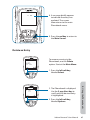
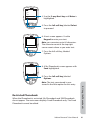
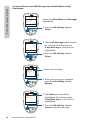
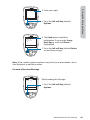
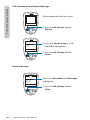
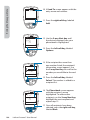
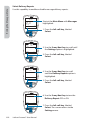
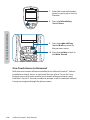
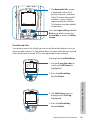
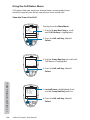
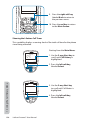
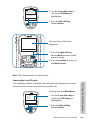
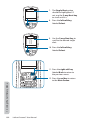
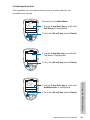
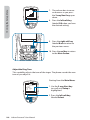
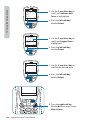
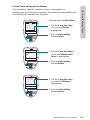
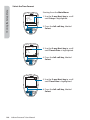
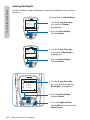
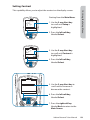
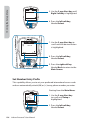
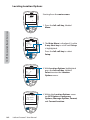
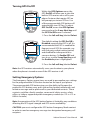
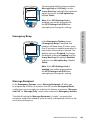
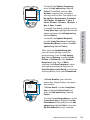
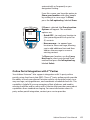
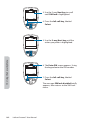
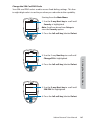
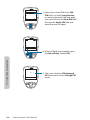
7. Use the 2-way Navi-key to scroll to
Enabled or Disabled.
Back
12: Using the Call History Menu
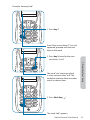
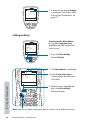
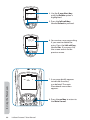
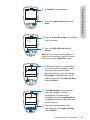
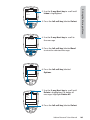
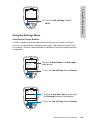
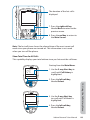
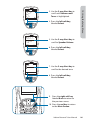
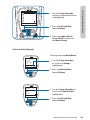
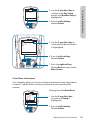
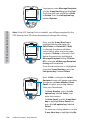
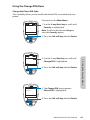
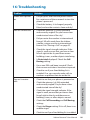
8. Press the left soft key, labeled
Select.
130
Iridium Extreme™ User Manual