1
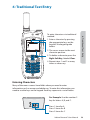
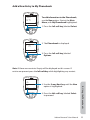
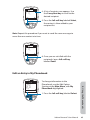
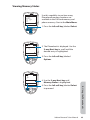
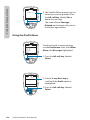
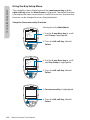
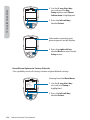
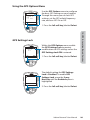
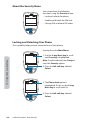
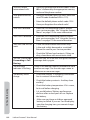
automatically as frequently as you
designated setting.
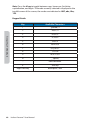
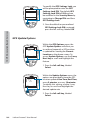
'SPNUIJTTDSFFOZPVIBWFUIFPQUJPOUP
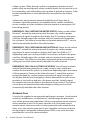
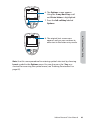
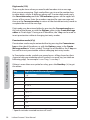
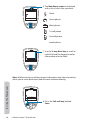
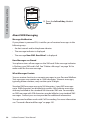
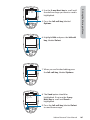
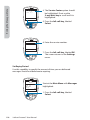
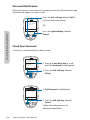
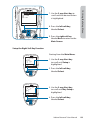
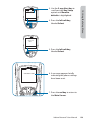
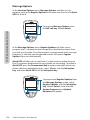
Share your location with other people
by sending it in a message. To Share,
press the left option key, labeled Share.
e ipient
er
ail
one oo
one oo
one oo
ele t
a
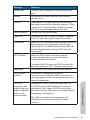
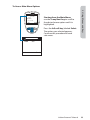
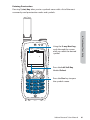
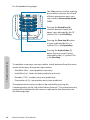
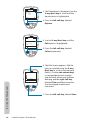
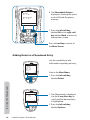
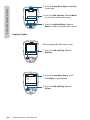
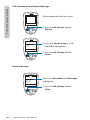
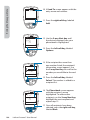
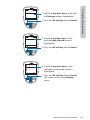
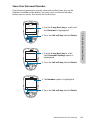
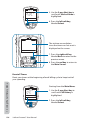
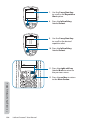
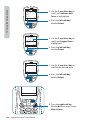
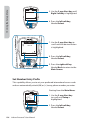
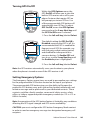
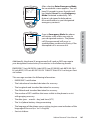
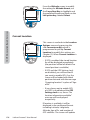
r Quick GPSmUPTFOEZPVSMPDBUJPOUP
your preconfigured list of up to five
DPOUBDUT
r New messagemUPBQQFOEZPVS
location to a new message, allowing
you to add additional text and then
address the message to a new or
existing contact.
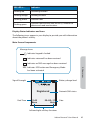
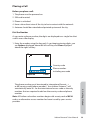
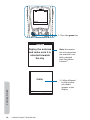
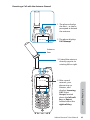
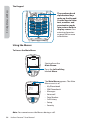
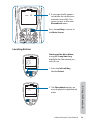
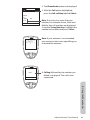
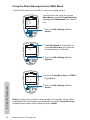
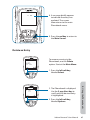
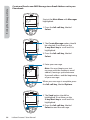
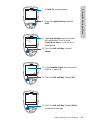
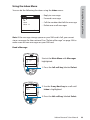
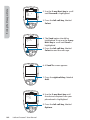
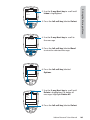
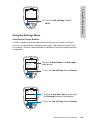
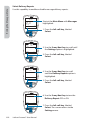
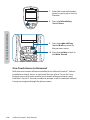
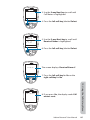
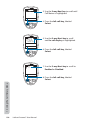
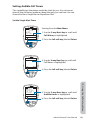
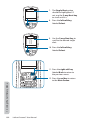
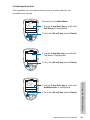
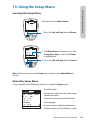
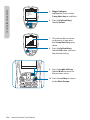
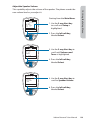
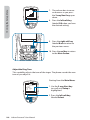
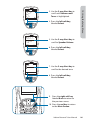
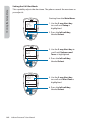
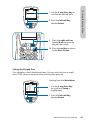
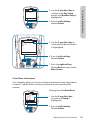
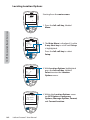
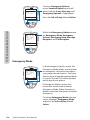
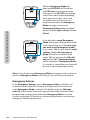
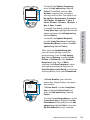
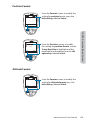
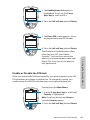
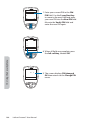
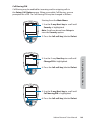
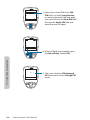
To Share your location, use the 2-way
Navi-key to select your desired Share
method and press the left option key,
labeled Select.
14: GPS & Location Based Services
nter
nter
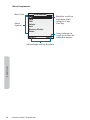
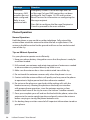
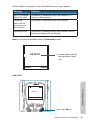
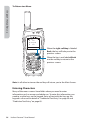
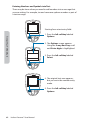
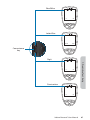
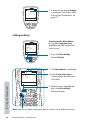
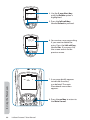
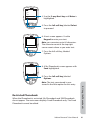
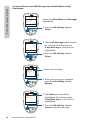
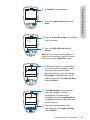
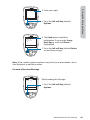
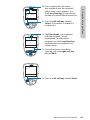
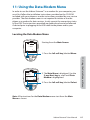
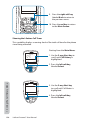
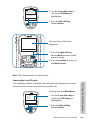
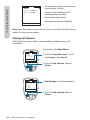
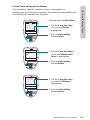
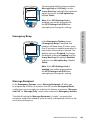
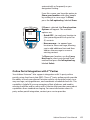
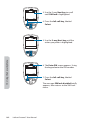
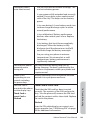
If Share is selected, the Share Location
Options will appear. The available
options are:
Online Portal Integration with 3rd Parties
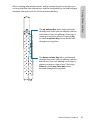
Your Iridium Extreme™ also supports integration with 3rd party online
portals using short burst data (SBD). These 3rd party online portals provide
the ability to track your phone’s location online, see location history, twoway message, set-up geofences, and coordinate scheduled check-ins. This
capability is helpful if you are managing a fleet of phones and need to
NPOJUPSXPSLGMPXBOEPSTBGFUZXJUIBTPMVUJPOUIBUQSPWJEFTNPSFSPCVTU
DBQBCJMJUJFTUIBOTUBOEBSENFTTBHJOH'PSNPSFJOGPSNBUJPOBCPVUrd
party online portal integration, contact your service provider.
Iridium Extreme™ User Manual
177