1
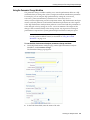
Creating an Analysis Task Using Enterprise Manager
■
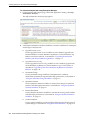
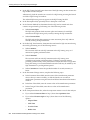
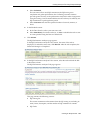
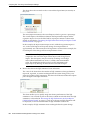
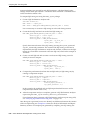
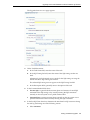
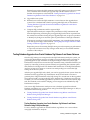
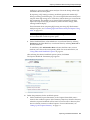
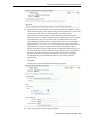
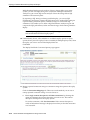
Select Unlimited.
The execution will run each SQL statement in the SQL tuning set to
completion and gather performance data. Collecting execution statistics
provides greater accuracy in the performance analysis but takes a longer time.
Using this setting is not recommended because the task may be stalled by one
SQL statement for a prolonged time period.
■
6.
7.
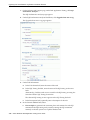
Select Customize and enter the specified number of seconds, minutes, or
hours.
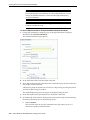
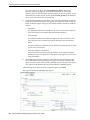
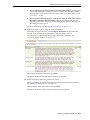
In the Schedule section:
a.
In the Time Zone list, select your time zone code.
b.
Select Immediately to start the task now, or Later to schedule the task to start
at a time specified using the Date and Time fields.
Click Submit.
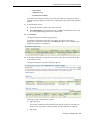
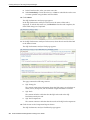
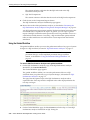
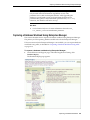
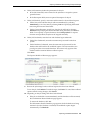
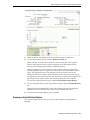
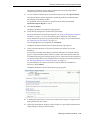
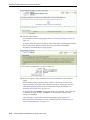
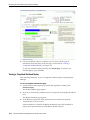
The SQL Performance Analyzer page appears.
In the SQL Performance Analyzer Tasks section, the status of this task is
displayed. To refresh the status icon, click Refresh. After the task completes, the
Status field changes to Completed.
8.
In the SQL Performance Analyzer Tasks section, select the task and click the link
in the Name column.
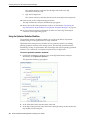
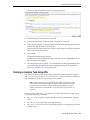
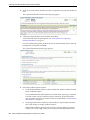
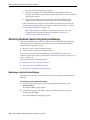
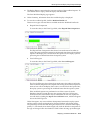
The SQL Performance Analyzer Task page appears.
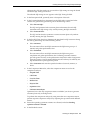
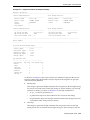
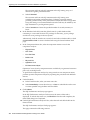
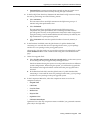
This page contains the following sections:
■
SQL Tuning Set
This section summarizes information about the SQL tuning set, including its
name, owner, description, and the number of SQL statements it contains.
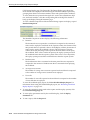
■
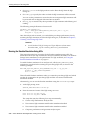
SQL Trials
Creating an Analysis Task 3-11