1
Comparing SQL Trials Using Oracle Enterprise Manager
Comparing SQL Trials Using Oracle Enterprise Manager
Comparing SQL trials using Oracle Enterprise Manager involves the following steps:
■
■
■
Analyzing SQL Performance Using Oracle Enterprise Manager
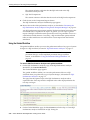
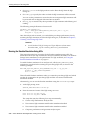
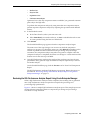
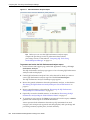
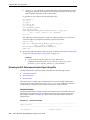
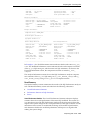
Reviewing the SQL Performance Analyzer Report Using Oracle Enterprise
Manager
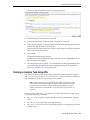
Tuning Regressed SQL Statements Using Oracle Enterprise Manager
Analyzing SQL Performance Using Oracle Enterprise Manager
This section describes how to analyze SQL performance before and after the system
change using Oracle Enterprise Manager.
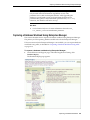
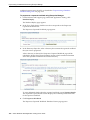
To analyze SQL performance using Enterprise Manager:
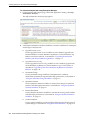
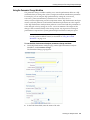
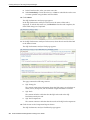
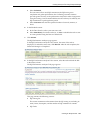
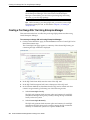
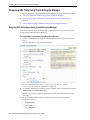
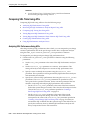
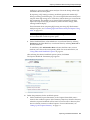
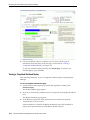
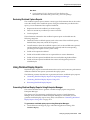
1. On the Guided Workflow page, click the Execute icon for Compare Step 2 and
Step 3.
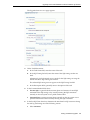
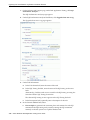
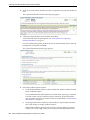
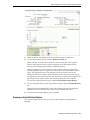
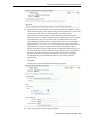
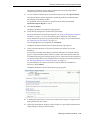
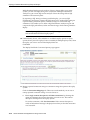
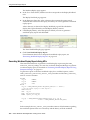
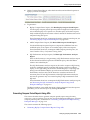
The Run SQL Trial Comparison page appears.
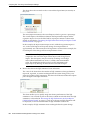
In this example, the SQL_TRIAL_1241213421833 and SQL_TRIAL_
1241213881923 trials are selected for comparison.
2.
To compare trials other than those listed by default, select the desired trials in the
Trial 1 Name and Trial 2 Name lists.
Note that you cannot compare a statistical trial with a trial that tests the explain
plan only.
3.
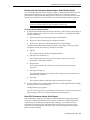
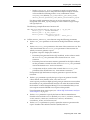
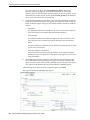
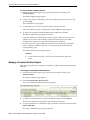
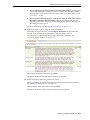
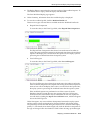
In the Comparison Metric list, select the comparison metric to use for the
comparison analysis:
–
Elapsed Time
–
CPU Time
–
User I/O Time
6-2 Oracle Database Real Application Testing User's Guide