1
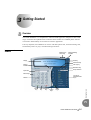
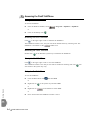
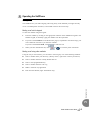
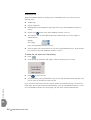
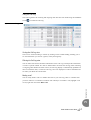
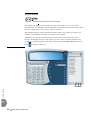
Operating the SoftPhone Making a Call The SoftPhone lets you make outgoing calls using many of the methods you might currently use on a standard phone and more, as described in full in the on-line help. Making a call via the keypad To enter the number using the keypad: 1. Enter the number by clicking on the appropriate numbers on the SoftPhone keypad or the handset keypad, or manually typing the numbers into the input field. 2. If you have enabled Direct on the Preferences page (as explained in the online help), your call is dialed in real time as you enter the numbers. If you have enabled Via Send, click 3. to make the call. When you have finished the call, click or to close the phone connection. Making a call using other methods Using the easy-to-use interface, you can make a call using any one of the following methods: Select a number from your Directory (“dial by name”, right-click or hot key activation) Select a number from the recently dialed calls list Select a user-programmable key Select a number from the Call Log Make a call from any application Dial from the handset (Tiger Jet handsets only) Getting Started 3 3 FlexIP SoftPhone User Guide 3-5