1
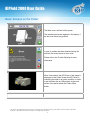
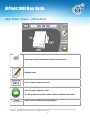
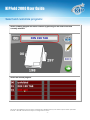
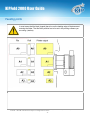
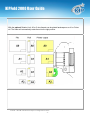
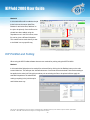
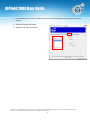
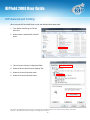
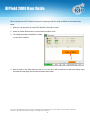
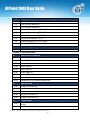
KIPFold 2000 User Guide Using the KIPFold 2000 with KIP Applications Once the KIPFold 2000 is installed and functioning, KIP applications can be used to fold various packet sizes that were set up during configuration of the folder. Available KIP Applications: KIP Print KIP PrinNet KIP Windows Driver KIP AutoCAD Driver KIP C7800 – Touchscreen Printing KIP Print and Folding When using the KIP Print software there are two methods for printing using the KIPFold 2000. Method 1 In this method the fold packet to be used will be selected first by clicking the Fold button on the main screen ribbon bar. Once here select the desired Folder Packet setting to be applied to the entire job. Doing this procedure prior to selecting the files to be printed will then apply the selected fold packet to all selected files making everything in the job ticket print and fold the same way. No part of this publication may be copied, reproduced or distributed in any form without express written permission from KIP. 2013 KIP. All references subject to change without notice - 12 -