1
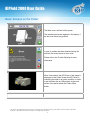
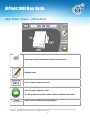
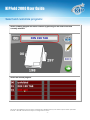
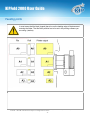
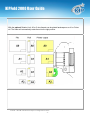
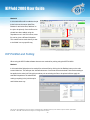
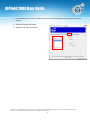
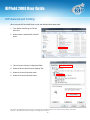
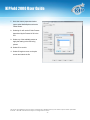
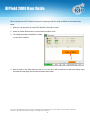
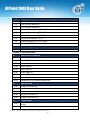
KIPFold 2000 User Guide KIP Touchscreen (KIP C7800) and Folding When connected to a KIP C7800 Color printer and wanting to print and fold files follow these steps: 1. Select the Print Button and browse to the location of the file (s) to be printed. 2. Select the Next Arrow 3. When the next window opens choose the desired settings for the correct output. a. Under Rotation choose from, 0, 90, 180 and 270 and Automatic. b. Under Folder choose from i. Controller – uses the Unattend.ini file to determine how to fold the files based on the files dimensions ii. Preset 0 through 8 (naming of presets to be determined during setup). c. If multiple files were selected a different setting can be given to each file. No part of this publication may be copied, reproduced or distributed in any form without express written permission from KIP. 2013 KIP. All references subject to change without notice - 18 -