1
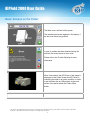
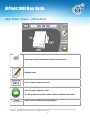
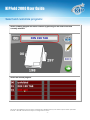
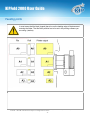
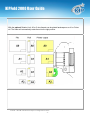
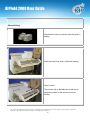
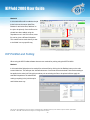
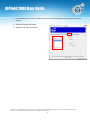
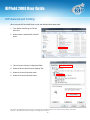
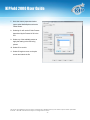
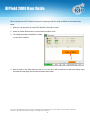
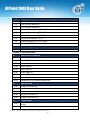
KIPFold 2000 User Guide When connected to a KIP C7800 Color printer and wanting to fold files using the Offline function follow these steps: 1. When the user first goes up to the KIP C7800 the Folder will be online. 2. Select the Folder Offline button to put the folder into offline mode. 3. The following window will indicate the Folder is in the offline condition. 4. With the folder in the offline state the user can now use the Folder touchscreen to determine folding output and manually feed pages into the folder and have them folded. No part of this publication may be copied, reproduced or distributed in any form without express written permission from KIP. 2013 KIP. All references subject to change without notice - 19 -