1
Taking a Picture
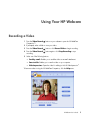
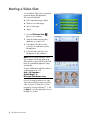
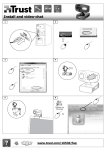
1 Press the Snapshot
Companion.
button on your webcam to open ArcSoft WebCam
2 Press the Snapshot
button again or click Capture to take the picture.
To learn more about taking pictures with ArcSoft WebCam Companion, click the
Help menu.
Editing a Picture
1 Double-click the HP Photosmart Essential
icon on the Windows desktop.
2 Click the Help ? icon in the upper-right corner of the Photosmart Essential window to
learn more about editing, printing, and sharing pictures with HP Photosmart Essential.
HP Webcam User’s Guide
7