1
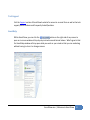
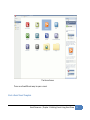
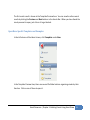
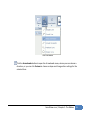
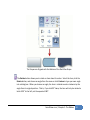
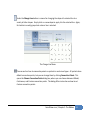
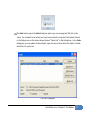
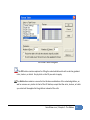
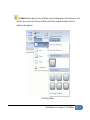
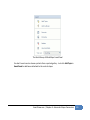
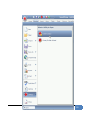
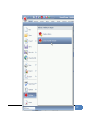
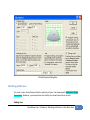
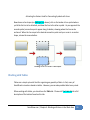
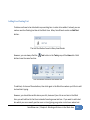
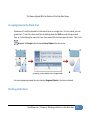
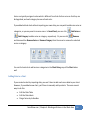
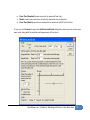
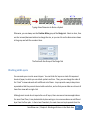
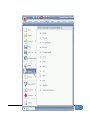
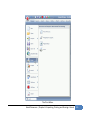
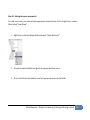
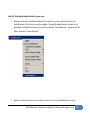
The library you create can be accessed by clicking More in the Library Selector Menu. You can
find the library under the category you selected for it, and the library itself will have the name of
the folder you imported.
Adding Symbols to a Library
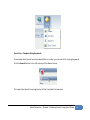
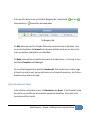
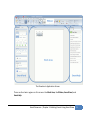
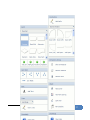
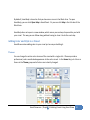
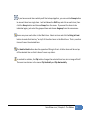
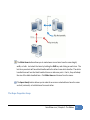
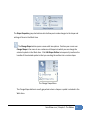
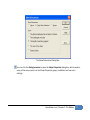
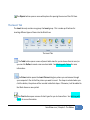
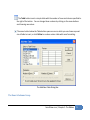
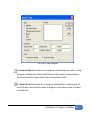
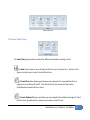
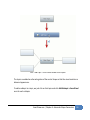
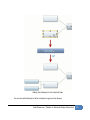
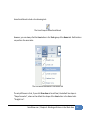
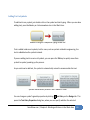
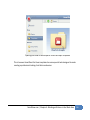
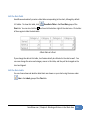
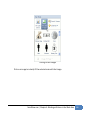
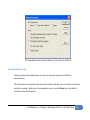
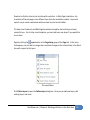
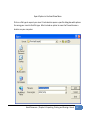
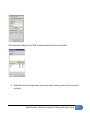
You can drag any item in the Work Area into an open library in SmartPanel to add it to that
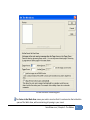
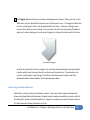
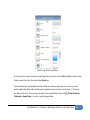
library. When you do this, a dialog box appears asking if you’d like to add the item. When you
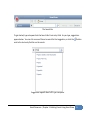
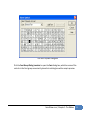
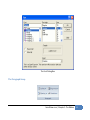
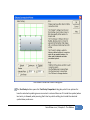
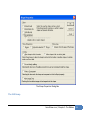
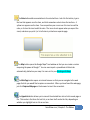
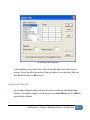
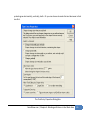
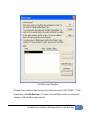
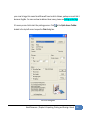
click OK, a second dialog box appears, where you can specify some settings about the item, as
well as give it a name.
SmartDraw.com | Chapter 4: Working with Items in the Work Area
130