1
AlarmInsight - Expert Tools
Basic Operations
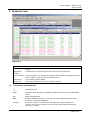
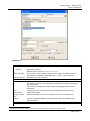
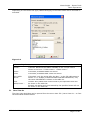
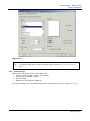
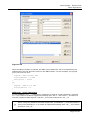
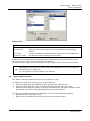
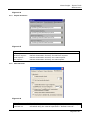
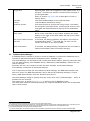
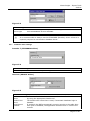
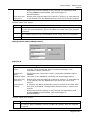
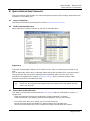
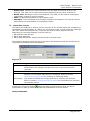
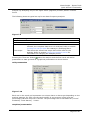
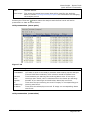
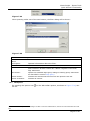
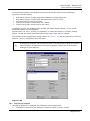
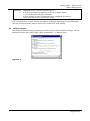
Figure 3-14
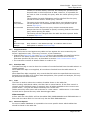
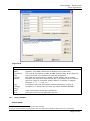
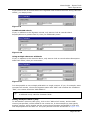
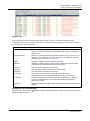
Find Record
Search field
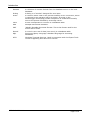
Specifies the field to search.
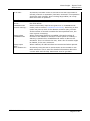
Find what
Enter your search criteria. If wildcards are to be used, the "Wildcard
match" search type must be enabled.
Match case
Only locate records where the case matches.
Keep
selections
If checked, each record found during the search is marked. At the end
of the search, all marked records can then be copied to the clipboard
or saved to a file.
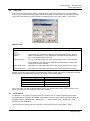
Search type
Substring
Find the search string anywhere in the field.
Whole word
Only find fields where a stand-alone word matches the search string.
Starts with
Only find fields that start with the search string.
Wildcard
match
Use this type if wildcards are to be used in the search. Multiple
character wildcard is '%' and single character wildcard is '?'. Wildcards
can be combined like “Com%s?”, which will find “Compose”,
“Compass”, but not “Composition”.
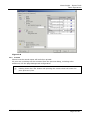
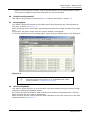
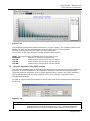
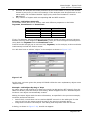
Note that although the Find dialog stays on top, when you switch between the different
tables, the Find dialog remembers the settings specified for each table. This means that
the search settings do not have to be re-entered, when switching between the opened
tables.
The Find settings are only remembered as long as the table is open.
3.8
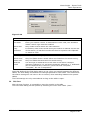
SQL Sort
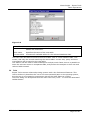
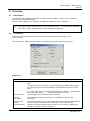
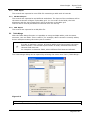
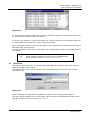
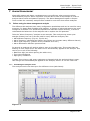
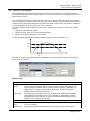
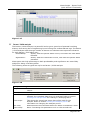
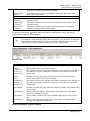
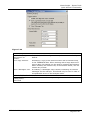
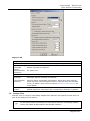
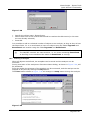
With the sort function, it is possible to sort the records in the table
The Sort Table dialog can be opened by selecting the menu item Table | Sort...
3BEL303466R0101
Page 21 of 64