1
bksbLIVE (PLTS) User Guide
Copyright © 2013 Vision West Notts College
Support: 01623 413333
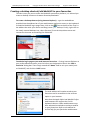
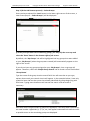
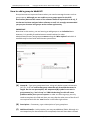
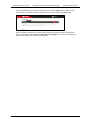
After completing Activity 3, the learner should select the ‘Diary’ tab and use the three
question prompts to reflect on the improving their role. Note that the third question refers
to the use of SMART targets and a guide for this is included under the ‘Guides’ tab (as per the
screenshot below).
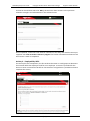
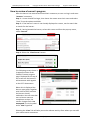
Once completed, a tutor can enter assessor comments to the diary and mark this activity as
complete. See ‘How to review a learner’s progress’ for further information on how to mark
off a learner’s work as completed.
Activity 4 – Producing a CV
This activity comprises of three elements; creation of a CV (using an on-screen template),
discussion of the completed CV with a colleague and the giving/receiving feedback, and
finally, the completion of a diary to reflect on the feedback process.
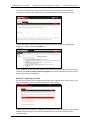
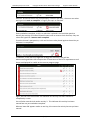
Under the ‘Activity’ tab, the learner is given instructions and directed to select the ‘Guides’
tab to access materials on how to create a CV, an example CV, guidance on giving and
receiving feedback and advice on the use of SMART targets.
[24]