1
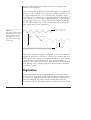
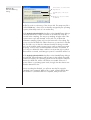
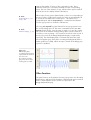
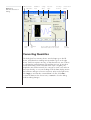
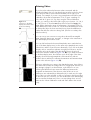
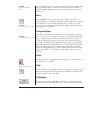
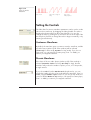
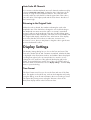
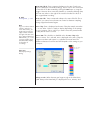
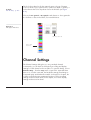
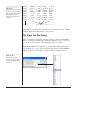
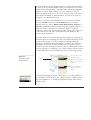
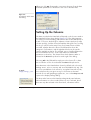
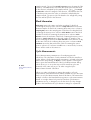
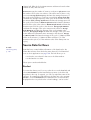
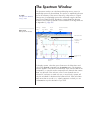
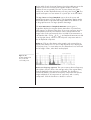
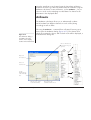
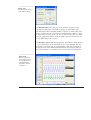
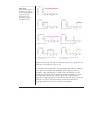
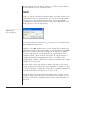
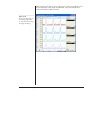
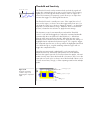
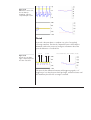
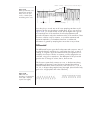
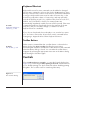
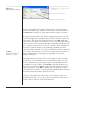
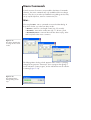
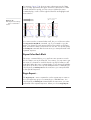
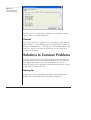
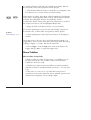
Figure 2–16
Control changes when
reviewing while
recording.
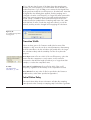
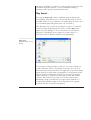
You can scroll through
data already recorded
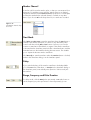
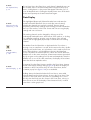
Scroll/Review button set to Review
set to Scroll. When the button is clicked, it highlights and depresses,
and reviewing becomes active (Figure 2–16).
When reviewing while recording, you can use the Scroll bar to scroll
through previously recorded data: the scrolling controls all work
normally, and you can read the Time axis. Data are still being
recorded, but the new data are only visible if you scroll to the
right-hand end of the record. You can select data and thus use the
Zoom View, XY View, Data Pad and Spectrum window, and can even
print selections while recording. You cannot add comments using the
Comments bar while reviewing, but you can use Add Comment…
command from the Commands menu instead.
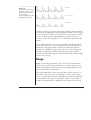
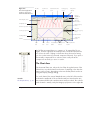
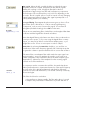
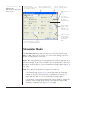
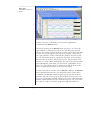
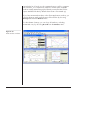
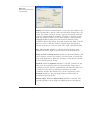
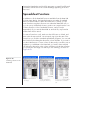
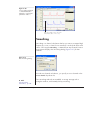
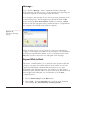
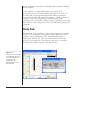
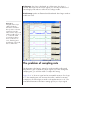
Recording with a Split Data Display
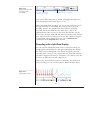
You can split the data display area before or during recording, by
dragging the vertical Split bar to the right. Splitting the data display
area allows the incoming data to be viewed alongside previously
recorded data, so that you can compare the two. Note that there are
separate Compression buttons for each pane, so the data in each can
be shown at different horizontal compressions.
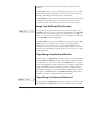
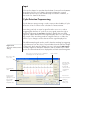
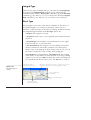
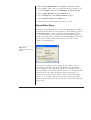
There is also a Scroll/Review button in each pane. This means that
while recording, you can set either pane to Review and the other to
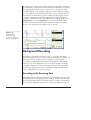
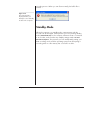
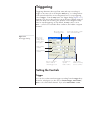
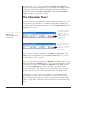
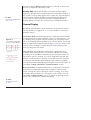
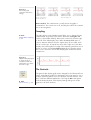
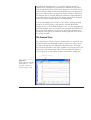
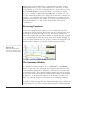
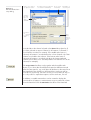
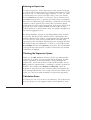
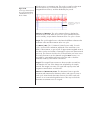
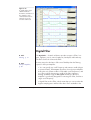
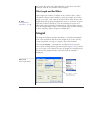
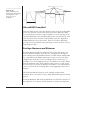
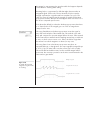
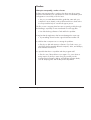
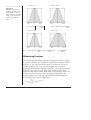
Figure 2–17
Using a split screen
Split bar
Chapter 2 — Introduction to Chart
39