1
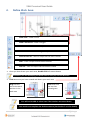
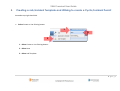
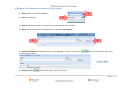
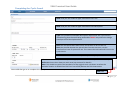
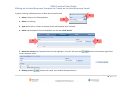
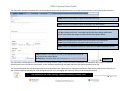
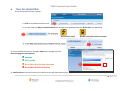
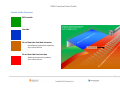
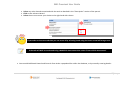
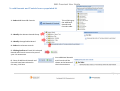
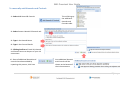
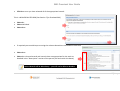
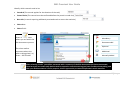
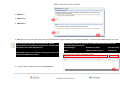
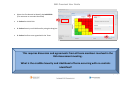
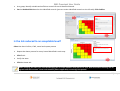
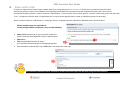
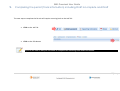
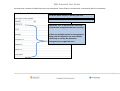
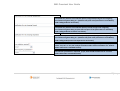
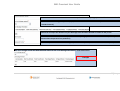
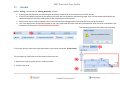
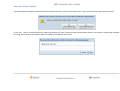
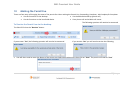
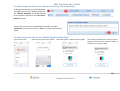
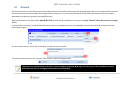
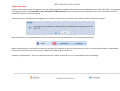
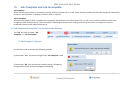
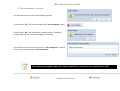
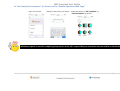
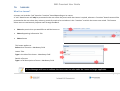
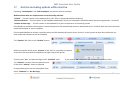
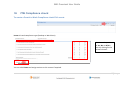
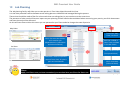
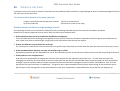
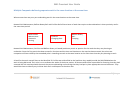
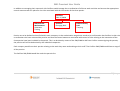
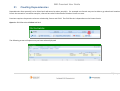
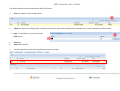
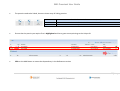
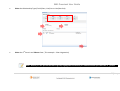
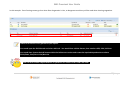
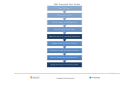
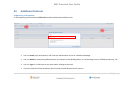
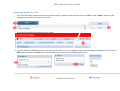
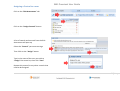
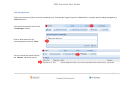
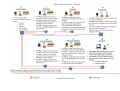
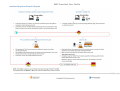
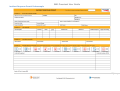
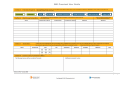
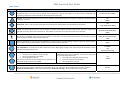
SWL Proscient User Guide 8. Steps within a RA If steps are required, but haven’t been created when first raising the permit (as in Section 3) Steps can be created as part of the Risk Assessment process, Steps can be added so that individual task based risk assessments can be completed for each step. This must be considered carefully as when a control measure is identified as a “control point” that control must be “in place” before the permit can be made “Live”, irrespective of which step it is applicable too. It may be more appropriate to create an individual permit for each step. When a control measure is identified as a “New Job” there is a separate permit required to undertake that control measure. Where multiple steps are required and can be managed within one permit, carry out the following: Select Add Step and type in your step title; repeat the process until you have added all of your required steps. Select Next Tick the applicable hazards for step 1 (Use add more hazards button if nothing appropriate) Once hazards are selected for step 1 Click Next, and repeat for each step. Any mandatory hazards must be selected for at least one of the steps and will then turn green once selected 24 | P a g e