1
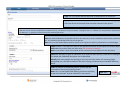
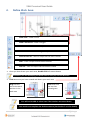
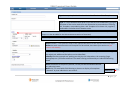
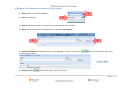
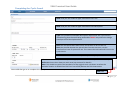
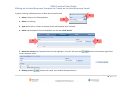
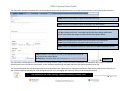
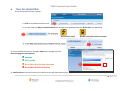
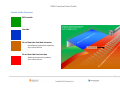
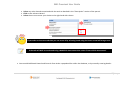
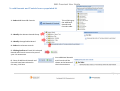
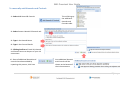
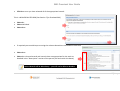
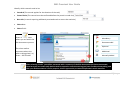
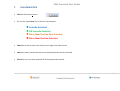
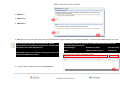
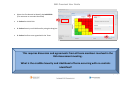
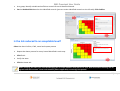
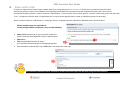
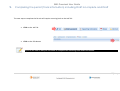
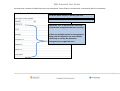
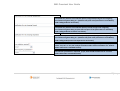
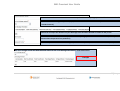
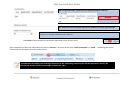
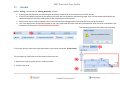
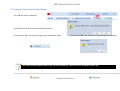
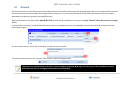
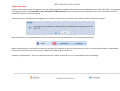
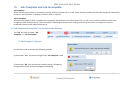
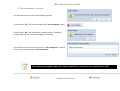
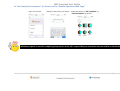
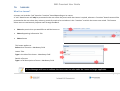
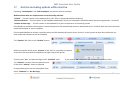
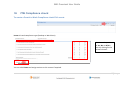
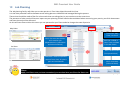
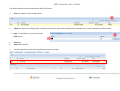
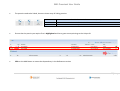
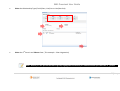
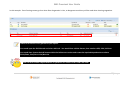
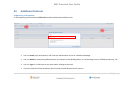
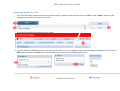
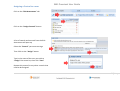
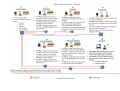
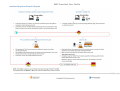
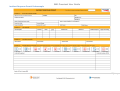
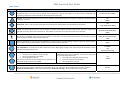
SWL Proscient User Guide 7. Escalated Risk Click the Risk Assess button For the Job Type Select one of the four track options ● Lineside Activities ● Off Lineside Activities ● On or Near the line Non‐Intrusive ● On or Near the line Intrusive Select the arrow to move your choice to the right hand side column Select any other hazards specific to the task/job/location that are required Click Next once you have selected all of the appropriate hazards 20 | P a g e