1
4 – Mapping Software
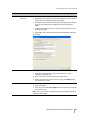
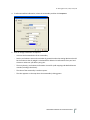
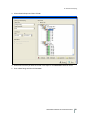
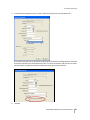
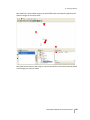
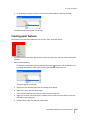
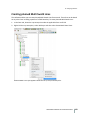
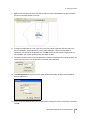
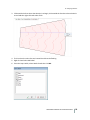
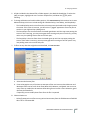
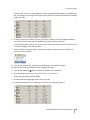
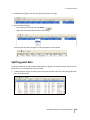
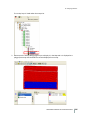
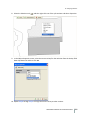
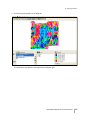
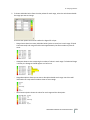
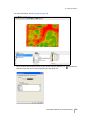
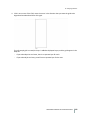
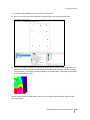
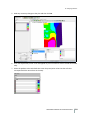
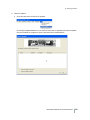
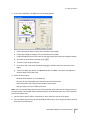
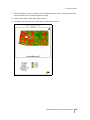
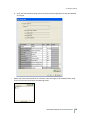
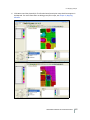
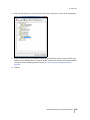
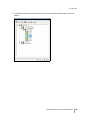
d. Double-click the job with the yield or as-applied data to view the map.
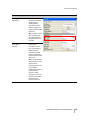
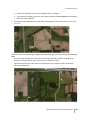
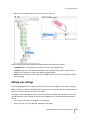
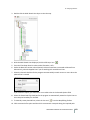
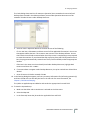
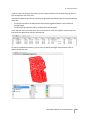
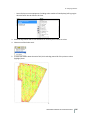
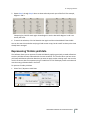
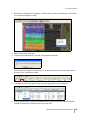
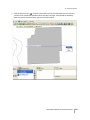
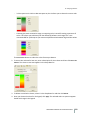
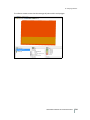
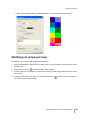
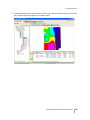
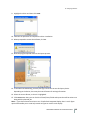
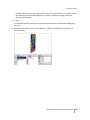
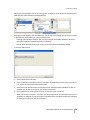
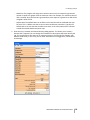
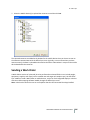
12. To view a different data type, select the points layer under Displayed Layers in the Layers tab and
then select the required data. For more information on viewing yield data and modifying views,
see the following sections.
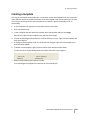
Importing CNH vault data
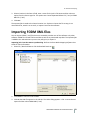
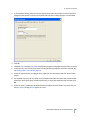
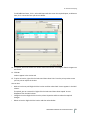
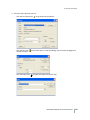
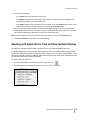
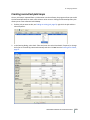
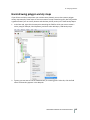
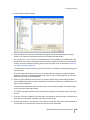
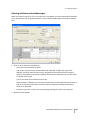
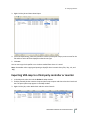
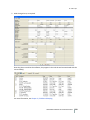
The program allows you to import CNH data from AFS or PLM software using the Data Repository
option (from the Read Job Data screen).
Note – Depending on how much data there was previously this process may take a few minutes to
several hours.
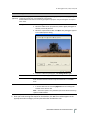
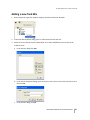
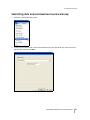
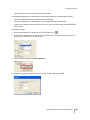
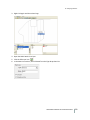
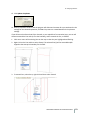
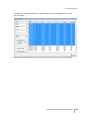
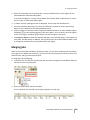
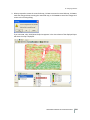
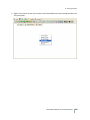
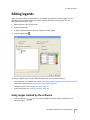
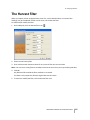
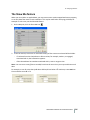
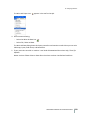
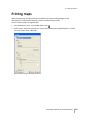
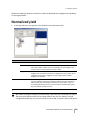
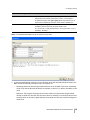
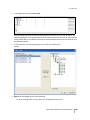
1. Select File / Read Job Data, or click the Read Job Data icon on the Job/Resource Tools toolbar.
FARM WORKS MAPPING SOFTWARE USER GUIDE
190