1
4 – Mapping Software
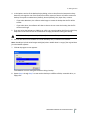
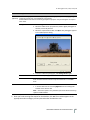
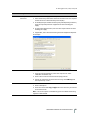
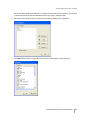
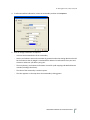
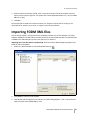
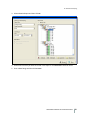
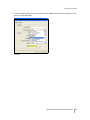
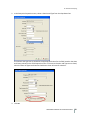
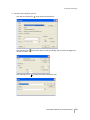
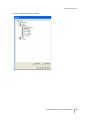
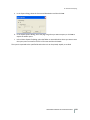
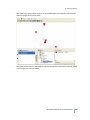
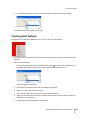
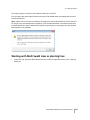
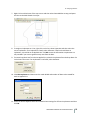
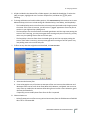
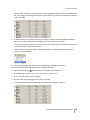
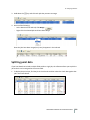
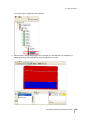
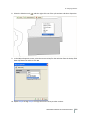
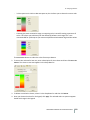
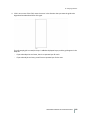
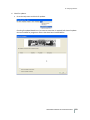
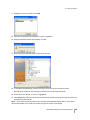
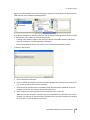
9. Highlight the driver and then click Install.
10. Continue the procedure to complete the driver installation.
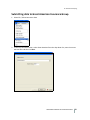
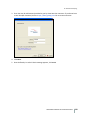
11. When prompted to restart the software, click Yes.
12. With the program opened continue the import process.
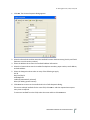
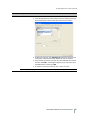
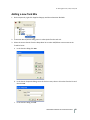
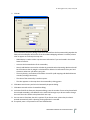
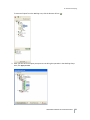
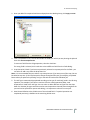
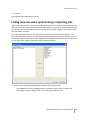
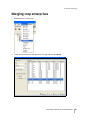
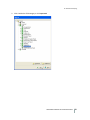
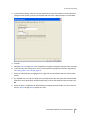
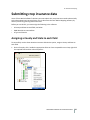
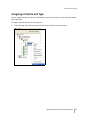
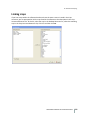
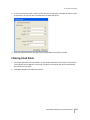
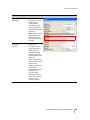
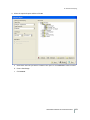
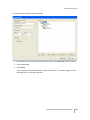
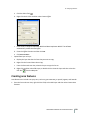
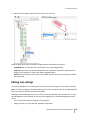
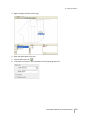
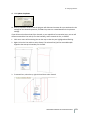
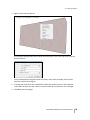
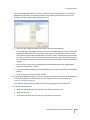
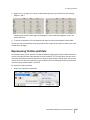
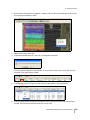
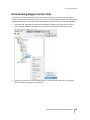
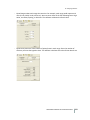
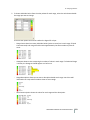
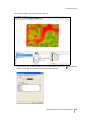
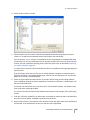
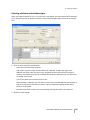
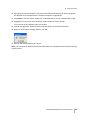
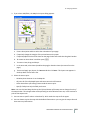
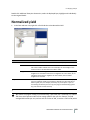
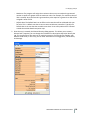
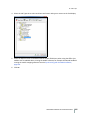
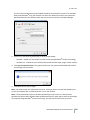
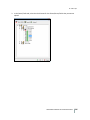
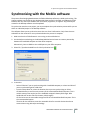
13. In the Write Job Data dialog, click the plus sign next to the correct third-party device.
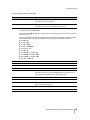
Depending on the device, there may be several formats for writing information.
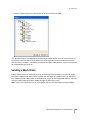
14. Select the correct format, so that it is highlighted.
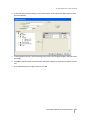
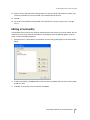
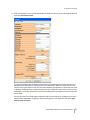
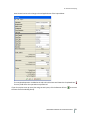
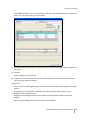
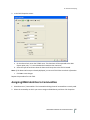
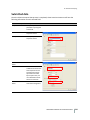
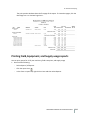
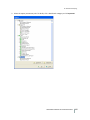
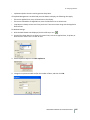
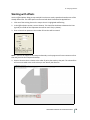
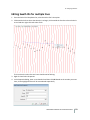
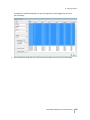
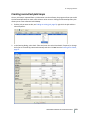
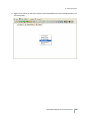
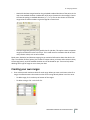
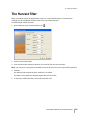
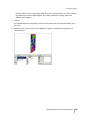
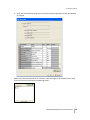
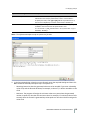
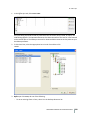
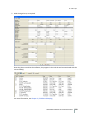
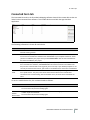
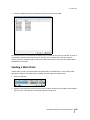
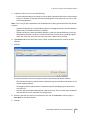
15. Click Resource List. Here you can limit the Clients/Farms/Fields and Inputs that will be written out
along with the planned job.
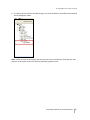
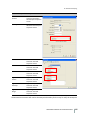
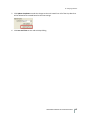
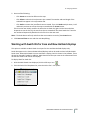
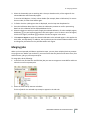
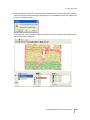
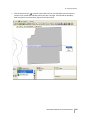
Note – If you have selected to write out to a Trimble FmX integrated display, there is a Job Types
option that enables you to send only certain Job Types or events to the display.
FARM WORKS MAPPING SOFTWARE USER GUIDE
261