1
4 – Mapping Software
•
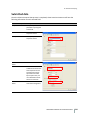
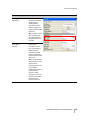
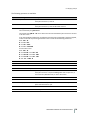
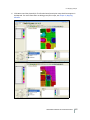
Implement Options that are used to generate Crop Rows.
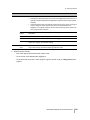
If Crop Row Management is enabled and you write data to a display, the following rules apply:
•
If there are Applied Lines, they will be written to the display.
•
If there are Planned but no Applied lines, then the Planned Lines are written out.
•
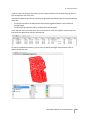
Crop Rows are always written out if they are there. These are written along with the Applied or
Planned lines.
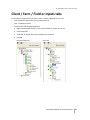
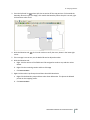
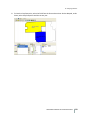
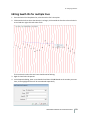
To edit Row Settings:
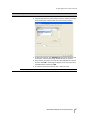
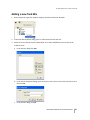
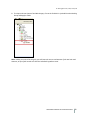
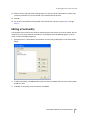
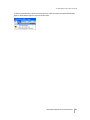
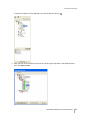
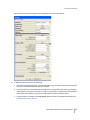
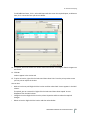
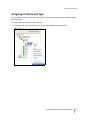
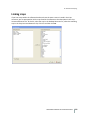
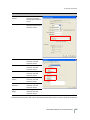
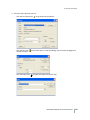
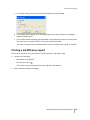
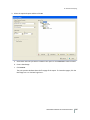
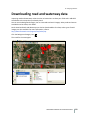
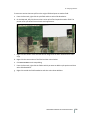
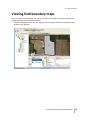
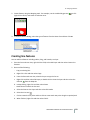
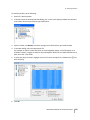
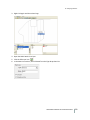
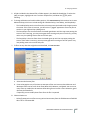
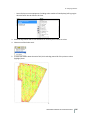
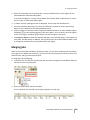
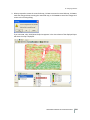
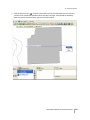
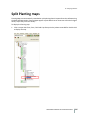
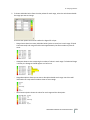
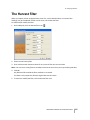
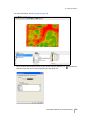
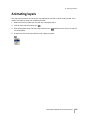
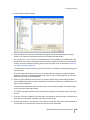
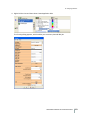
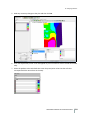
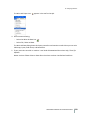
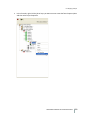
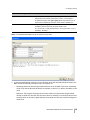
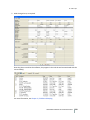
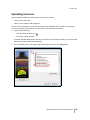
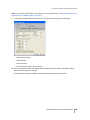
1. With the Multi Swath Lines displayed, click the Edit Layer icon
.
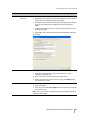
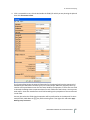
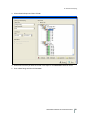
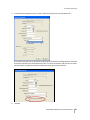
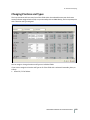
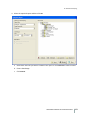
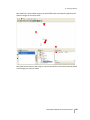
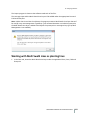
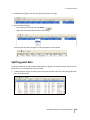
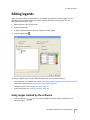
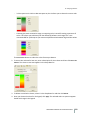
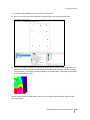
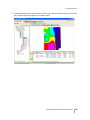
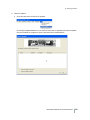
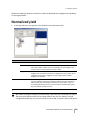
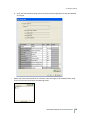
2. Use the Filter drop-down list to show only certain lines, such as As Applied Lines, Crop Row, or
Planned Lines. Select < All > to view all lines.
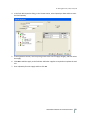
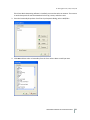
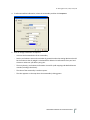
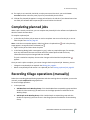
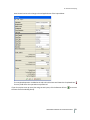
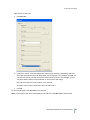
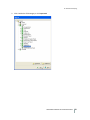
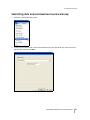
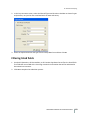
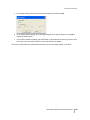
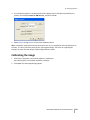
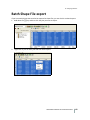
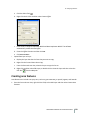
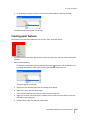
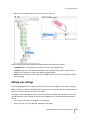
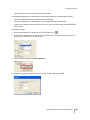
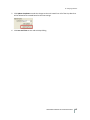
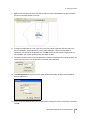
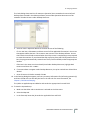
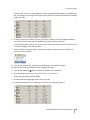
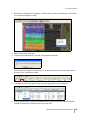
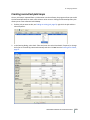
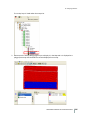
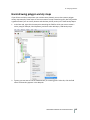
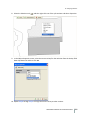
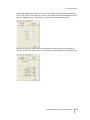
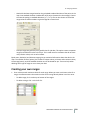
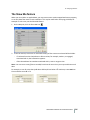
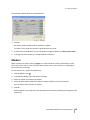
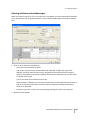
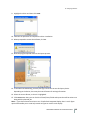
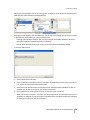
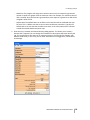
3. Under Implement Options click Edit Implement.
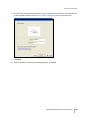
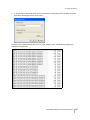
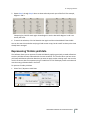
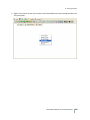
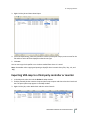
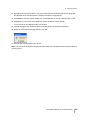
4. Change the implement Width and/or the number of Rows, and then click OK.
FARM WORKS MAPPING SOFTWARE USER GUIDE
166