1
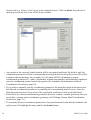
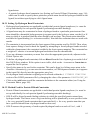
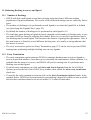
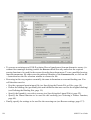
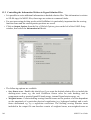
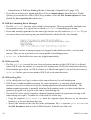
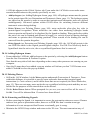
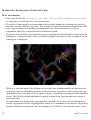
existing definition plus all the atoms of their associated residues. To manually refine this
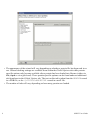
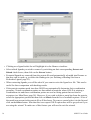
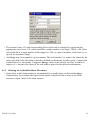
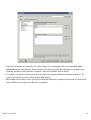
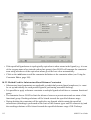
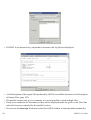
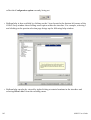
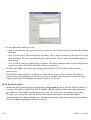
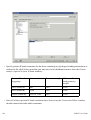
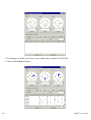
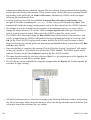
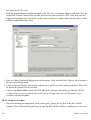
selection, click on the Refine Selection button to open the Refine Binding Site Selection dialogue.
All residues included in the binding site definition are listed. Residues can then be added or
removed from the selection by clicking on atoms in the Hermes visualiser.
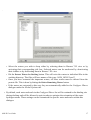
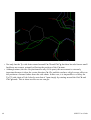
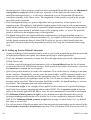
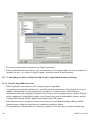
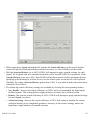
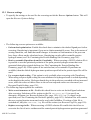
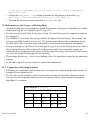
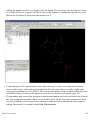
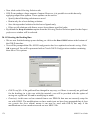
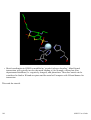
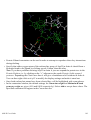
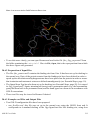
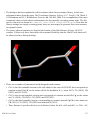
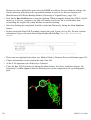
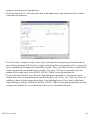
• The cavity atom selection can be saved as a protein atom subset and viewed within Hermes. To
do this click on the Add Definition as a Selection button. You can then highlight the atoms
belonging to the subset by picking the required subset from the Atom Selections pull-down
menu, which is situated above the visualiser display area.
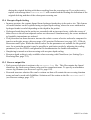
• Note that it is not possible to define the binding site from an atom when performing an ensemble
docking.
3.6.3 Defining a Binding Site from a Point
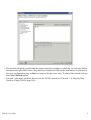
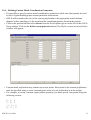
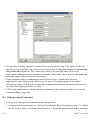
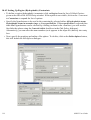
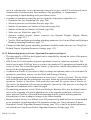
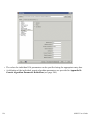
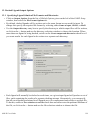
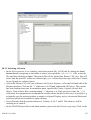
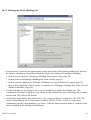
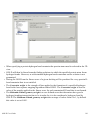
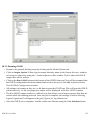
• Click on Define Binding Site from the list of Global Options given on the left of the GOLD Setup
window.
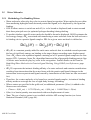
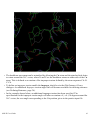
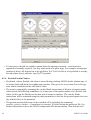
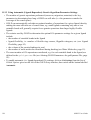
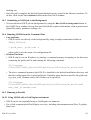
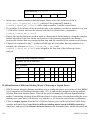
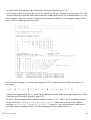
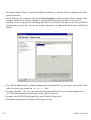
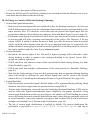
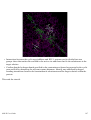
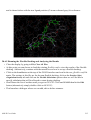
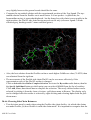
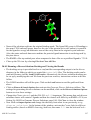
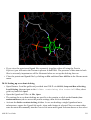
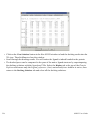
• Switch on the button labelled Point. Then, within the Hermes visualiser click on one or more
protein atoms in order to define a centroid close to the centre of the active site. Alternatively, the
orthogonal x,y,z coordinates of a single solvent-accessible point approximately at the centre of
the active site can be typed directly into the three boxes.
GOLD User Guide
21