1
Envirocheck Analysis
69
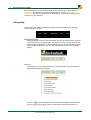
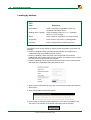
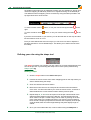
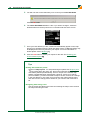
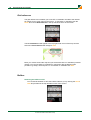
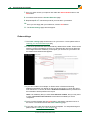
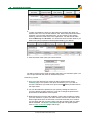
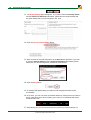
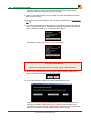
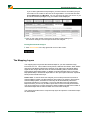
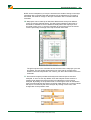
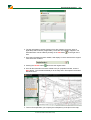
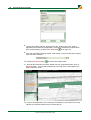
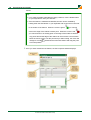
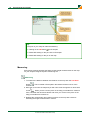
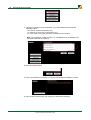
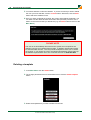
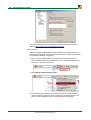
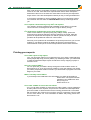
8. The Pin information includes: Direction from site, Distance from site, Area (if
applicable) and Perimeter (if applicable). These are automatically supplied. Each
to the right of it.
item can be edited by clicking on the edit button
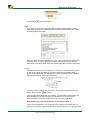
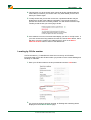
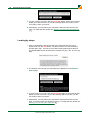
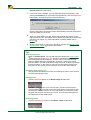
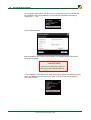
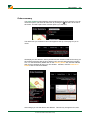
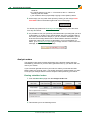
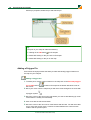
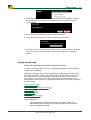
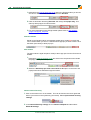
9. Once the information has been edited, the item will display in red to show that the
original value has been modified:
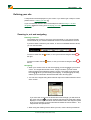
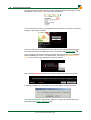
10. Clicking the refresh button
will restore the original value.
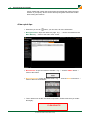
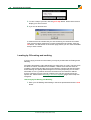
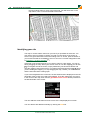
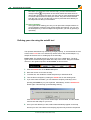
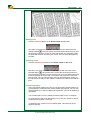
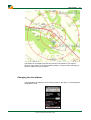
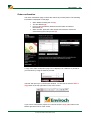
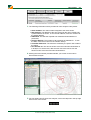
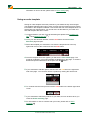
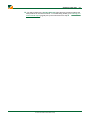
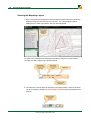
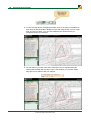
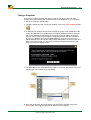
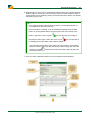
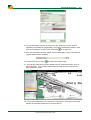
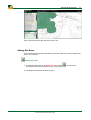
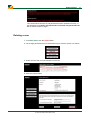
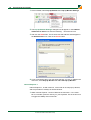
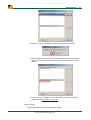
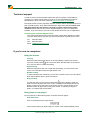
11. Once all the information has been added to the pin properties window, click on
the Save button. This will add a labeled pin to the map and in Enviropad in the
bottom left-hand corner:
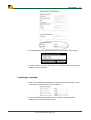
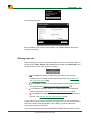
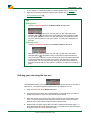
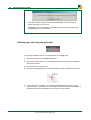
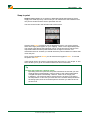
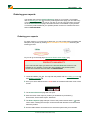
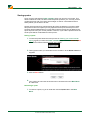
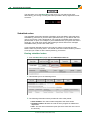
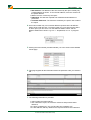
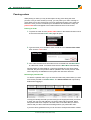
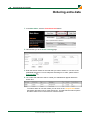
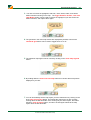
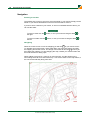
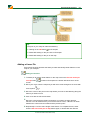
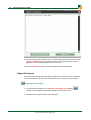
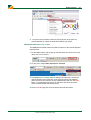
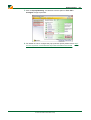
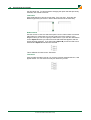
12. Tools in Enviropad allow you to specify the transparency of the pins on the map,
edit the pin properties, delete the pin and hide the pin:
© 2012 Landmark Information Group