1
72
Envirocheck User Guide
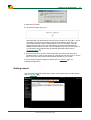
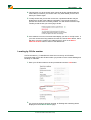
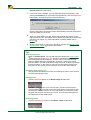
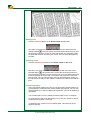
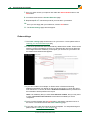
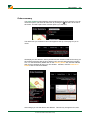
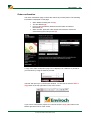
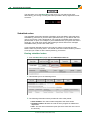
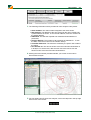
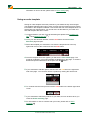
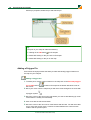
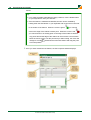
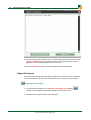
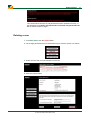
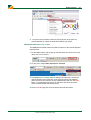
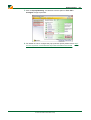
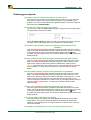
3. The site notes can be copied to your computers clipboard by clicking on the Copy
notes to clipboard button. This will then allow you to paste them into another
application such as Microsoft word as part of a report.
4. Click the Hide notes button to close the Report Commentary window.
Export Enviropad
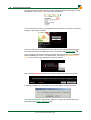
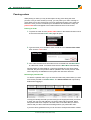
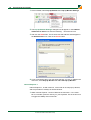
Envirocheck Analysis provides the facility to export the contents of the Enviropad as
a CSV file which can be opened in Microsoft Excel to use as part of your analysis.
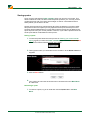
Exporting the Enviropad
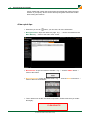
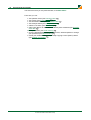
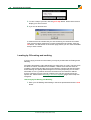
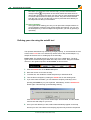
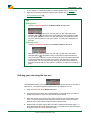
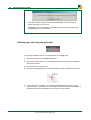
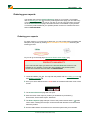
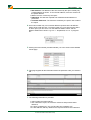
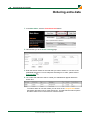
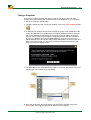
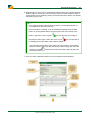
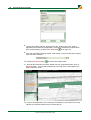
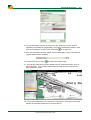
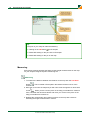
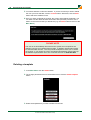
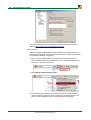
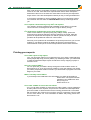
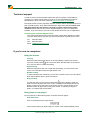
1. To export the Enviropad click on the Export Enviropad as CSV button
located in the Enviropad in the bottom left hand corner of the screen.
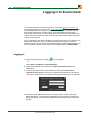
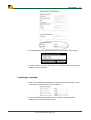
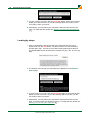
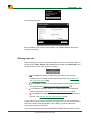
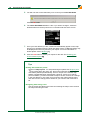
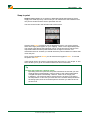
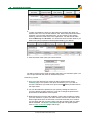
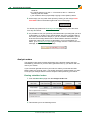
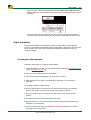
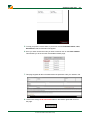
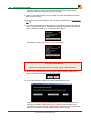
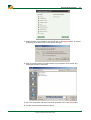
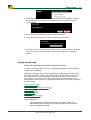
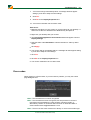
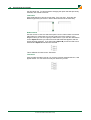
2. The Export Enviropad as CSV window will open:
© 2012 Landmark Information Group
,