1
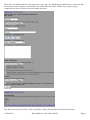
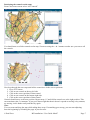
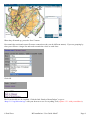
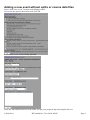
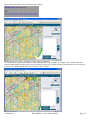
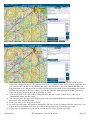
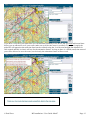
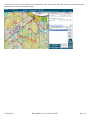
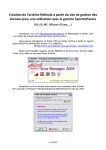
Fill in the event details and select the map source (new map / pre installed map) and browse to where the files are located on your computer, repeat this for the results and course data. Choose if you want to group competitors by class or course (you can’t change this later). Click OK. The data is now processed. Next, click on the link to adjust the placement of controls on the map. Paul Frost RG Installation / User Guide Mar07 Page 6