1
Customer Support | cPanel User Guide
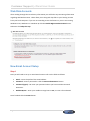
Step 3
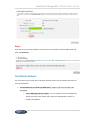
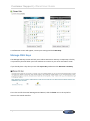
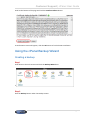
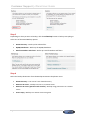
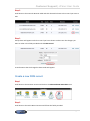
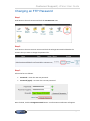
Enter the command you want to run in the Command field and click Add New Cron Job.
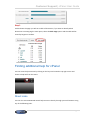
A confirmation will appear to confirm that the job has been added.
Checking disk usage in cPanel
Step 1
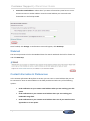
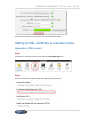
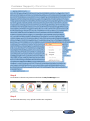
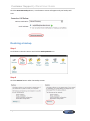
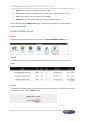
Log in to cPanel, scroll down to the Files section and click the Disk Space Usage icon.
Step 2
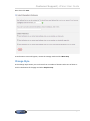
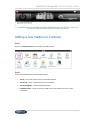
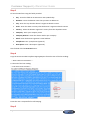
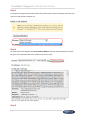
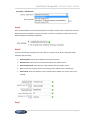
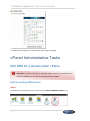
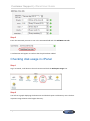
You will see a graph displaying the directories and the disk space each directory uses. The bars
represent usage relative to the largest directory.
Page 33