1
User Manual
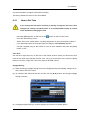
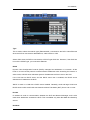
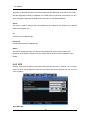
A Save Image dialogue window will pop up. A brief memo on the image can be saved with it.
Click "OK" to prompt save location window.
7.6.3 Print
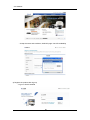
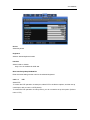
Printing a channel is similar to capturing a frame. Click the channel to print and click "Print".
Type the relevant memo and click "OK" to print the image. The print will contain the printing
date, channel name, recording date, event and memo.
7.6.4 Move to Web Monitor
To move to Web Monitor, click "Monitor" at the top left of the page.
7.6.5 Channel On/Off
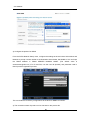
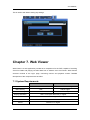
This function is identical to the Web Monitor counterpart. The Channel On/Off buttons are at
the right side of the page and clicking them will turn the channels on and off. The default value
is On. Deactivated channel buttons are not supported by the DVR model.
7.6.6 Recording Duration & Recording Size Check
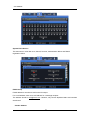
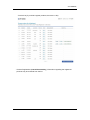
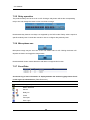
This menu displays used and remaining spaces in the HDD. It also displays the total recording
duration. HDD usage is expressed as a percentage.
113