1
User Manual
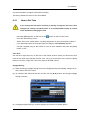
Ch.3 over Ch.6 to switch their places.
7.5.2 Moving Playback
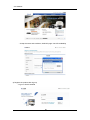
Click the "Playback" button shown above to move to the playback page.
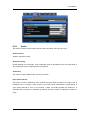
7.5.3 Channel On/Off
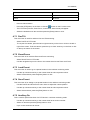
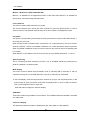
Channel On/Off buttons are located to the left of the page. Click the channels to toggle between
On and Off. The default value for all channels is On.
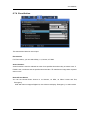
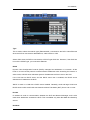
The above illustration displays the result of toggling Ch.8 and 9 off. When turned off, buttons
will change color and the corresponding screen will fade to black. Deactivated buttons are
channels not supported by the DVR model.
7.5.4 Sensor indication
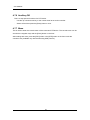
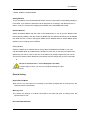
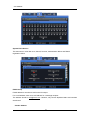
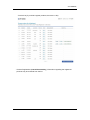
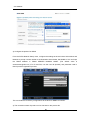
This icon indicates that a sensor has been triggered.
When triggered, its corresponding icon will turn red and the sensor ID number will be displayed
on the video. Sensors that have not been triggered will remain blue.
Deactivated sensor icons are sensors not supported by the DVR model.
108