1
Getting Started
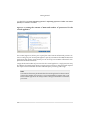
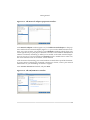
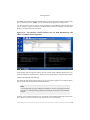
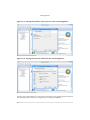
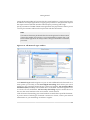
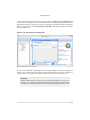
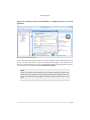
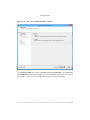
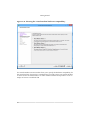
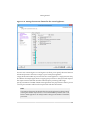
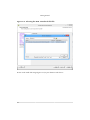
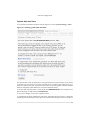
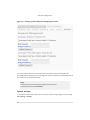
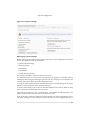
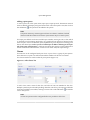
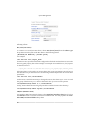
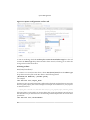
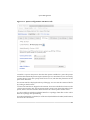
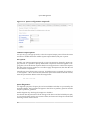
Figure 2.11. The Network Adapter properties window.
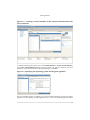
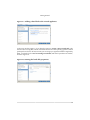
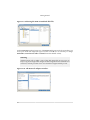
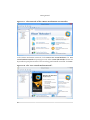
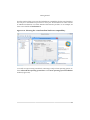
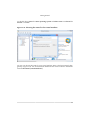
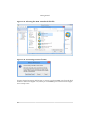
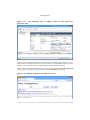
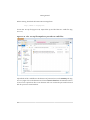
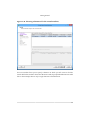
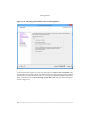
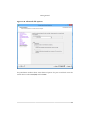
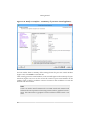
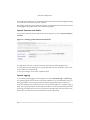
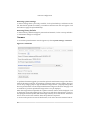
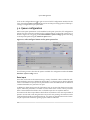
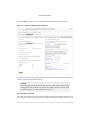
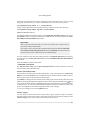
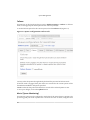
In the Network Adapter window (Figure 2.10), click Add a Network Adapter. In the properties window for the network adapter (Figure 2.11), you can select different kinds of network. For a most systems, you are likely to need Bridged networking, which allows your
virtual appliance to join your physical network as if it were a real machine. NAT (Network
Address Translation) networking is unlikely to be suitable, as the WML Virtualized appliance acts as a server. For test installations, HostOnly may be a suitable choice. In this case,
the virtual machine exists on an internal, virtual network.
A full discussion of networking your virtual machines is outside the scope of this document.
If you are unsure of which type of network connection to choose, contact your network
administrator or your networking consultant or supplier.
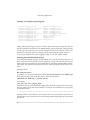
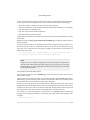
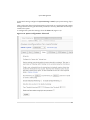
Leave Connect at Power On checked, and press Next.
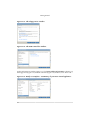
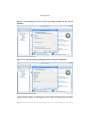
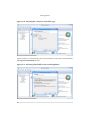
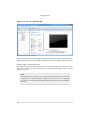
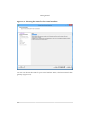
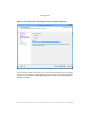
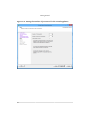
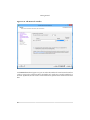
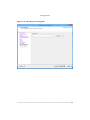
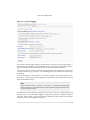
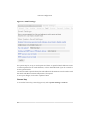
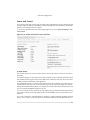
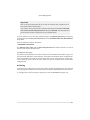
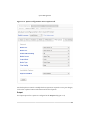
Figure 2.12. The CD/DVD Drive window.
17