1
3
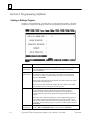
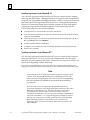
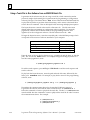
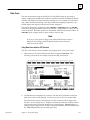
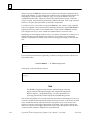
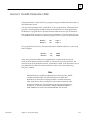
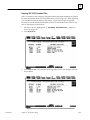
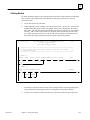
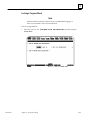
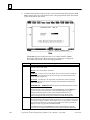
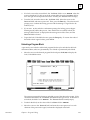
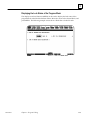
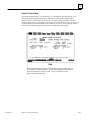
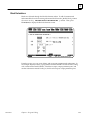
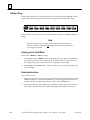
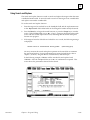
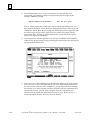
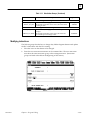
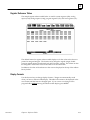
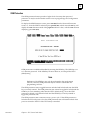
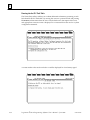
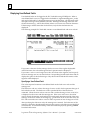
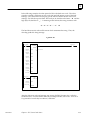
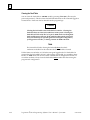
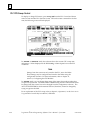
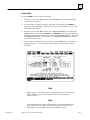
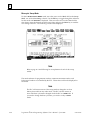
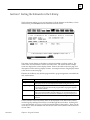
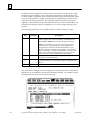
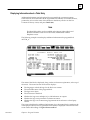
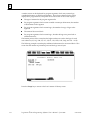
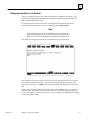
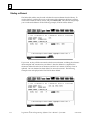
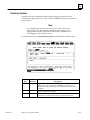
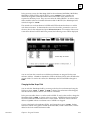
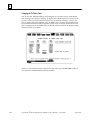
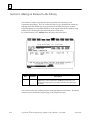
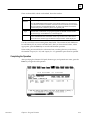
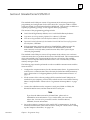
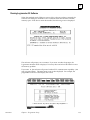
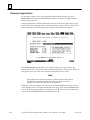
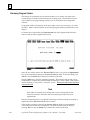
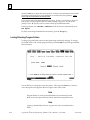
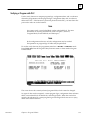
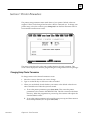
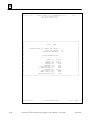
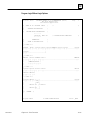
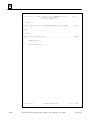
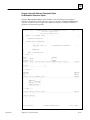
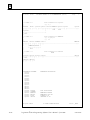
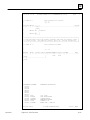
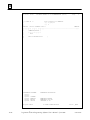
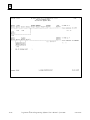
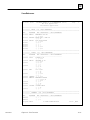
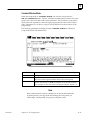
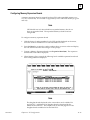
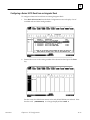
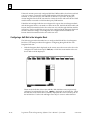
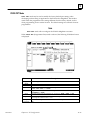
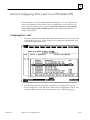
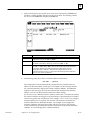
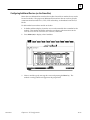
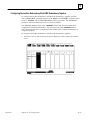
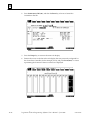
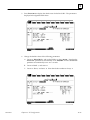
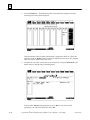
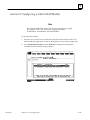
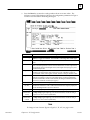
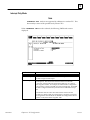
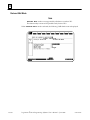
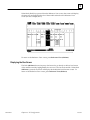
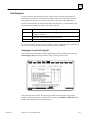
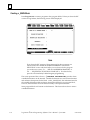
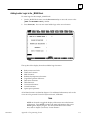
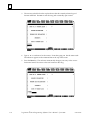
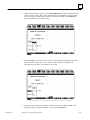
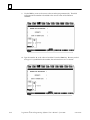
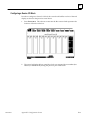
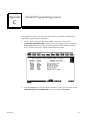
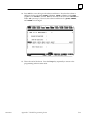
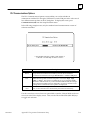
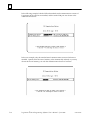
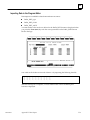
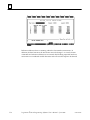
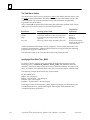
Locking a Program Block
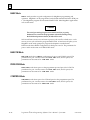
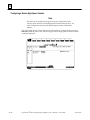
Note
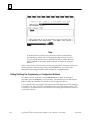
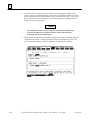
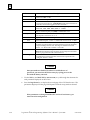
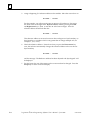
A block cannot be locked if it does not have an established language, or
if it is non-zoomable, such as an external block.
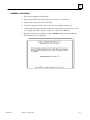
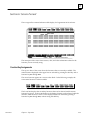
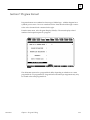
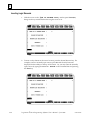
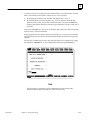
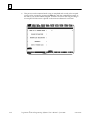
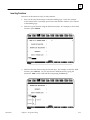
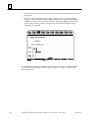
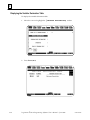
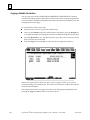
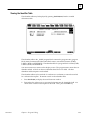
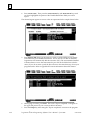
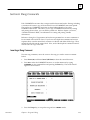
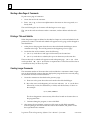
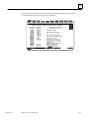
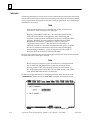
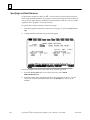
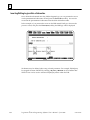
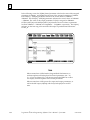
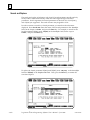
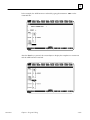
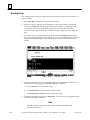
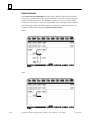
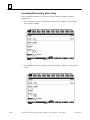
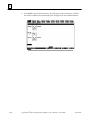
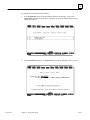
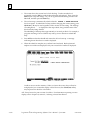
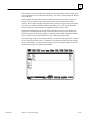
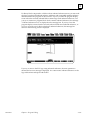
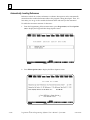
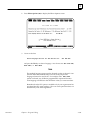
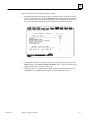
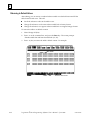
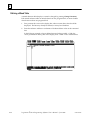
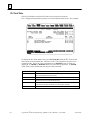
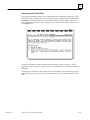
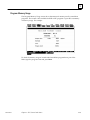
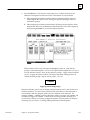
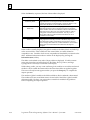
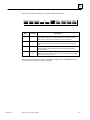
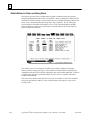
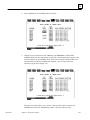
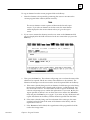
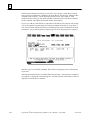
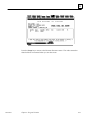
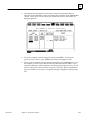
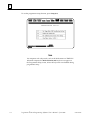
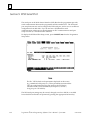
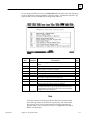
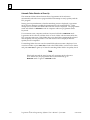
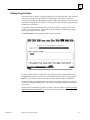
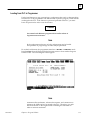
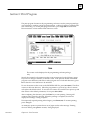
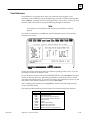
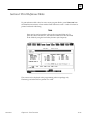
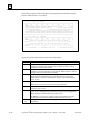
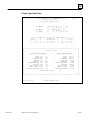
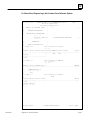
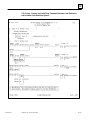
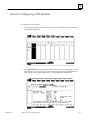
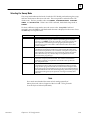
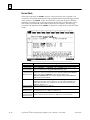
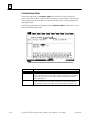
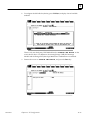
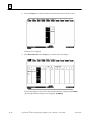
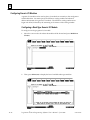
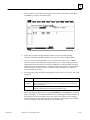
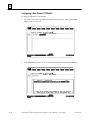
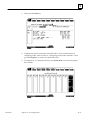
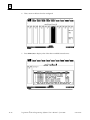
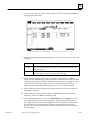
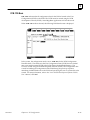
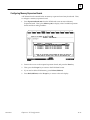
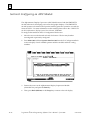
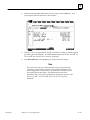
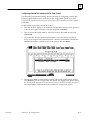
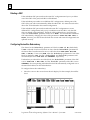
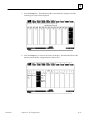
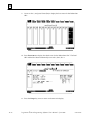
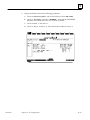
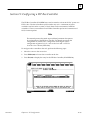
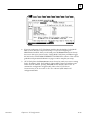
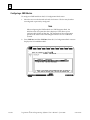
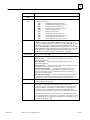
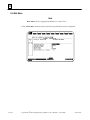
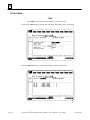
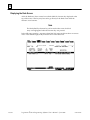
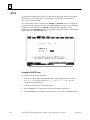
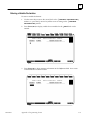
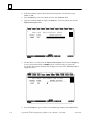
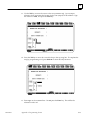
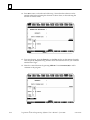
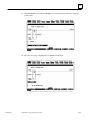
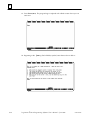
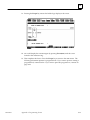
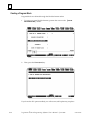
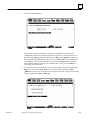
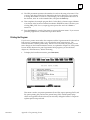
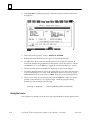
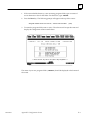
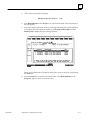
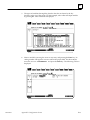
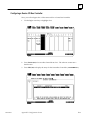
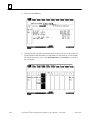
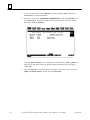
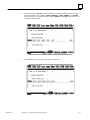
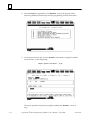
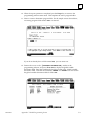
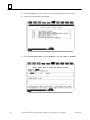
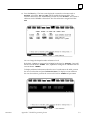
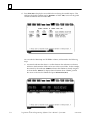
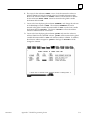
To lock a program block:
1.
GFK-0263G
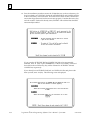
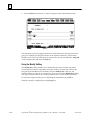
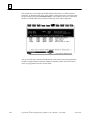
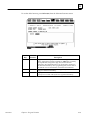
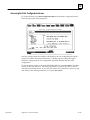
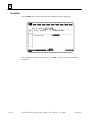
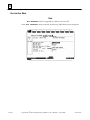
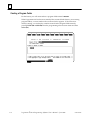
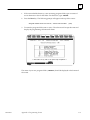
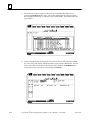
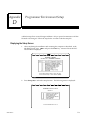
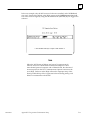
Move the cursor to the
Zoom (F10).
Chapter 3 Program Editing
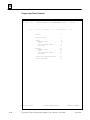
[PROGRAM BLOCK DECLARATIONS] marker and press
3-65