1
10
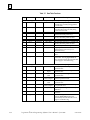
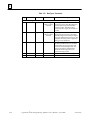
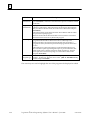
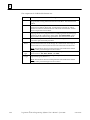
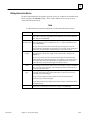
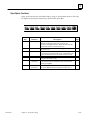
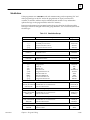
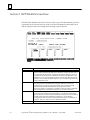
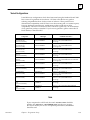
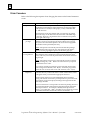
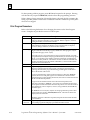
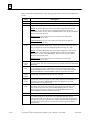
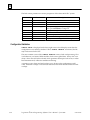
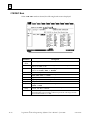
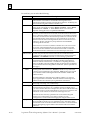
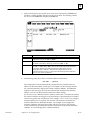
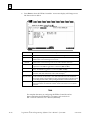
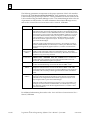
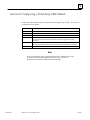
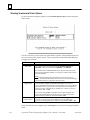
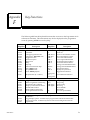
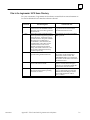
Parameter
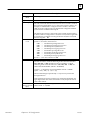
SFC
Topology
Description
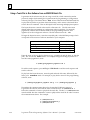
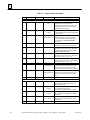
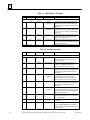
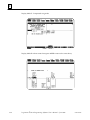
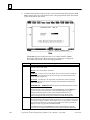
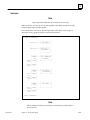
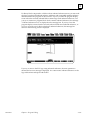
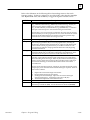
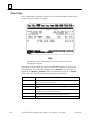
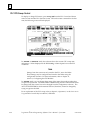
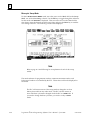
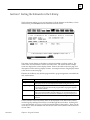
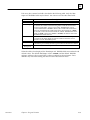
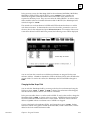
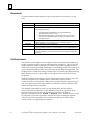
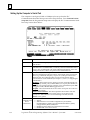
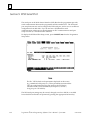
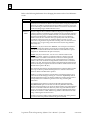
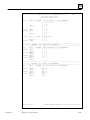
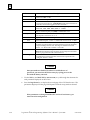
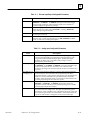
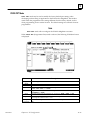
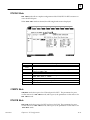
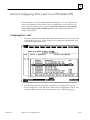
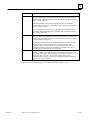
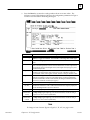
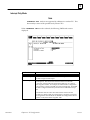
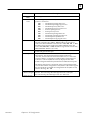
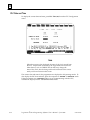
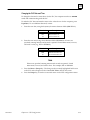
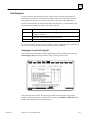
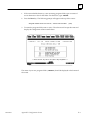
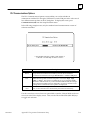
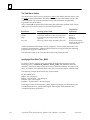
To print the SFC topology, enter Y (Yes). When Y (Yes) is selected for both
the SFC Topology option and the Logic option, both the SFC topology and its
underlying action, transition, preprocessing, and postprocessing relay ladder
diagram logic will be printed. If the _MAIN block is being printed, the block
declaration and interrupt declaration tables will be printed.
When Y (Yes) is selected for the SFC Topology option, but N (No) is selected
for the Logic option, only the SFC topology will be printed. If the _MAIN
block is being printed, the block and interrupt declaration tables will not be
printed.
When N (No) is selected for the SFC Topology option, but Y (Yes) is selected
for the Logic option, the underlying relay ladder diagram logic of the SFC
topology will be printed. If the _MAIN block is being printed, the block and
interrupt declaration tables will be printed.
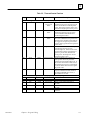
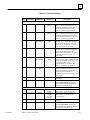
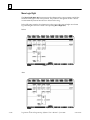
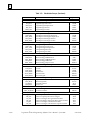
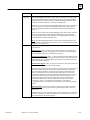
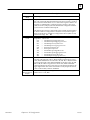
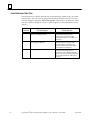
Logic
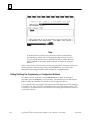
Note: The SFC Topology parameter is only used for the Sequential Function
Chart version of Logicmaster 90-70 software. It is not used for the Relay Ladder
Diagram version of software.
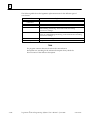
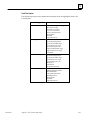
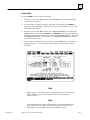
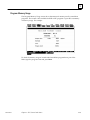
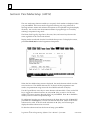
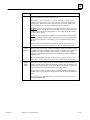
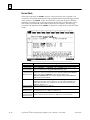
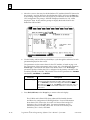
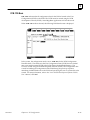
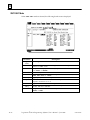
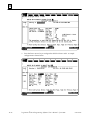
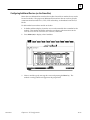
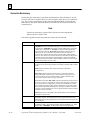
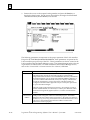
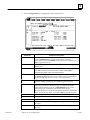
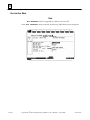
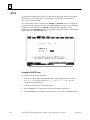
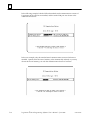
To print ladder diagram logic, enter Y (Yes). Then, specify the content of the
logic printout:
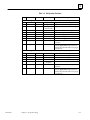
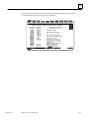
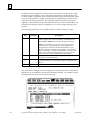
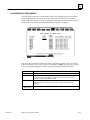
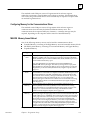
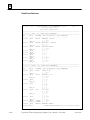
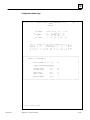
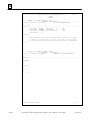
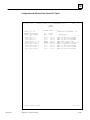
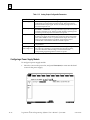
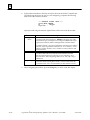
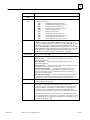
Reference List: Enter Y (Yes) to print a table at the bottom of a page listing
all the program references on that page. For each reference, the table lists the
machine address, nickname, and reference description.
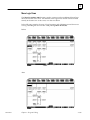
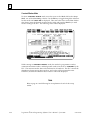
Nickname and Reference: Enter Y (Yes) to print both machine addresses and
their nicknames with the ladder logic. If N (No) is entered, only nicknames are
printed in the logic. Machine addresses are printed for any references that do
not have nicknames assigned.
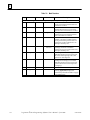
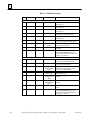
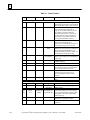
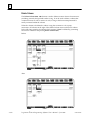
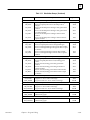
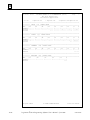
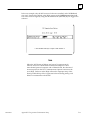
ReferenceDescription: Enter Y (Yes) to print reference descriptions above the
reference addresses at the next print logic request.
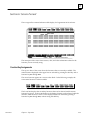
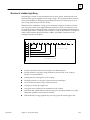
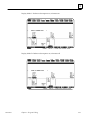
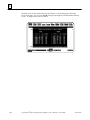
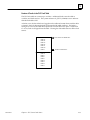
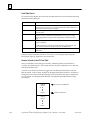
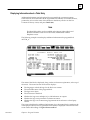
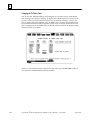
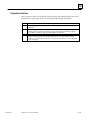
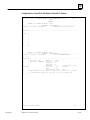
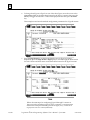
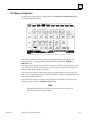
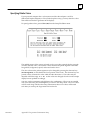
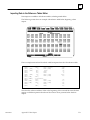
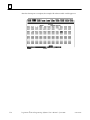
When the print reference description feature is selected, the first 28 characters of
the reference description for each reference address in the logic are printed
above the reference address. The reference description is divided into four
lines of seven characters each. If the nickname and reference option is also
selected, the reference description is printed above the nickname, for a total of
six lines above the instruction. If the nickname and reference option is not
selected, the reference description is printed directly above the reference
address or nickname, for a total of five lines above the instruction. Refer
to chapter 3, section 7, “Changing the Display Mode,” and chapter 7,
“Programmer Setup,” for information on selecting view modes in the program
editor.
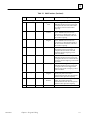
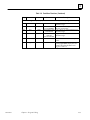
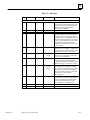
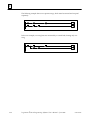
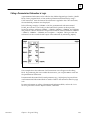
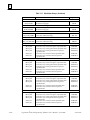
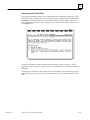
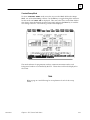
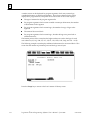
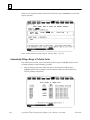
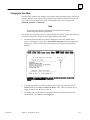
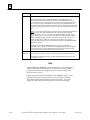
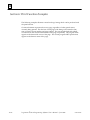
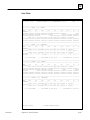
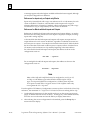
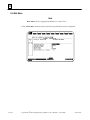
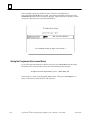
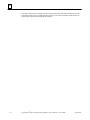
RungComments: Enter N (No) to print comments in instruction form only.
If Y (Yes) is entered, rung comment text is printed in place of the comment
instruction.
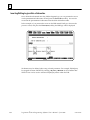
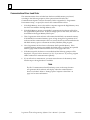
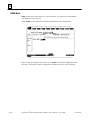
Additional text for rung comments may be created as separate files, as described
in section 4 of chapter 3. If this has been done, be sure the files are present on
the specified drive when printing begins.
GFK-0263G
Chapter 10 Print Functions
10-9