1
1
Help Screens
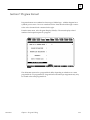
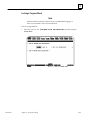
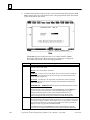
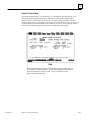
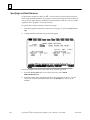
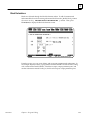
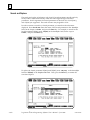
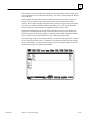
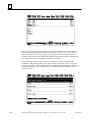
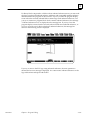
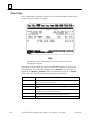
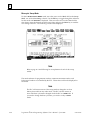
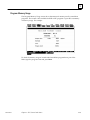
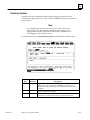
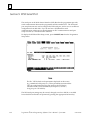
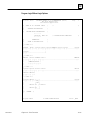
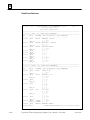
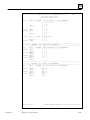
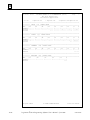
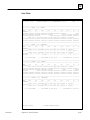
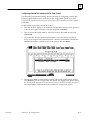
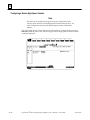
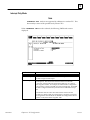
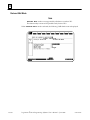
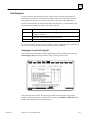
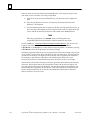
Logicmaster 90-70 software includes detailed Help screens. These Help screens are
loaded onto the hard disk of your programmer during the software installation
procedure and are readily accessible. To access the Help screens, press ALT-H for help,
ALT-I for instruction mnemonic help, or ALT-K for key help.
Key Functions
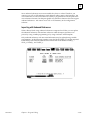
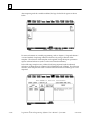
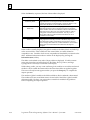
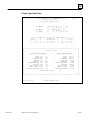
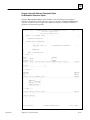
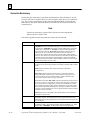
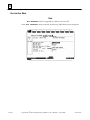
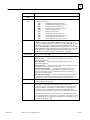
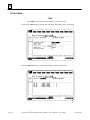
Appendix E, Key Functions, lists the keyboard functions that are active in the
Logicmaster 90-70 software environment. Appendix E also contains a perforated Help
card which can be removed from this manual. This information may also be displayed
on the programmer screen by pressing ALT-K to access key help.
Before You Begin
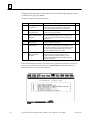
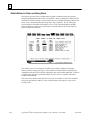
You will find Logicmaster 90-70 programming software easy to use and to understand.
When you are ready to begin, turn to chapter 2. It will tell you:
D
D
D
D
How to install the software in your computer.
How to start up the software.
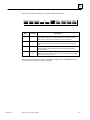
How to use your computer’s keyboard to perform special programming functions.
How to enter data, move the cursor, and read the status information on your screen.
After starting up the software, try the short programming lesson in appendix A and the
configuration lesson in appendix B.
When you are ready to use the programming software to create a program, monitor a
system, or perform any of its other functions, you will find instructions in other chapters
of this book.
GFK-0263G
Chapter 1 Introduction
1-3